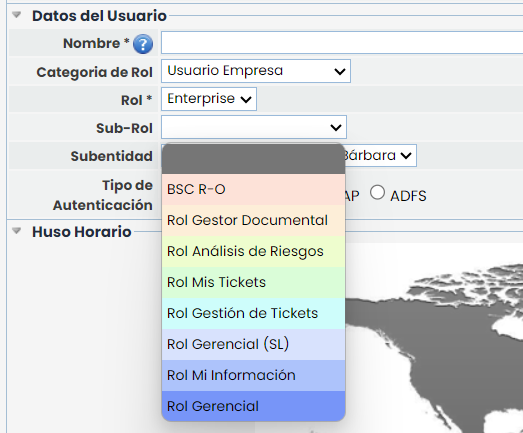
User Data
Role Category
The user data section allows defining the name used to access the platform, as well as the role assigned to the user. The available roles are divided into two main categories (Company Administrator and Company User):
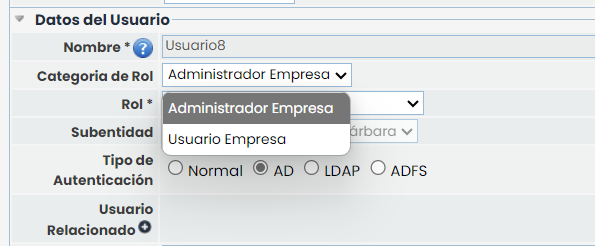
Role
Company Administrator
If you select the option Company Administrator in the Role Category dropdown, the available roles will be as follows:
-
Platform Administrator: The user can access the assigned environment, manage all options in the Settings section, and manage Enterprise Administrator users.
-
Enterprise Administrator: The user can access the assigned environment and manage all options in the Settings section. This user can create and view users with lower roles.
-
Configuration Administrator: The user can manage the options in the Settings section of the assigned environment, except for the sections "Company Roles," "Users," "Access Logs," and "Action Logs."
-
Entity Administrator: The user can access the assigned environment and manage the options for sub-entities, profile, and users.
-
Access Administrator: The user will only be able to access the Settings environment, limited to the options "Company Roles," "Users," "Access Logs," and "Action Logs."
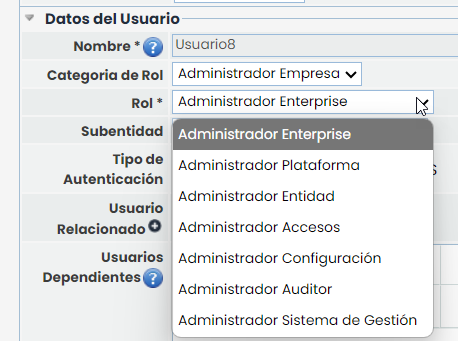
Specific roles available with the Audit Management license:
-
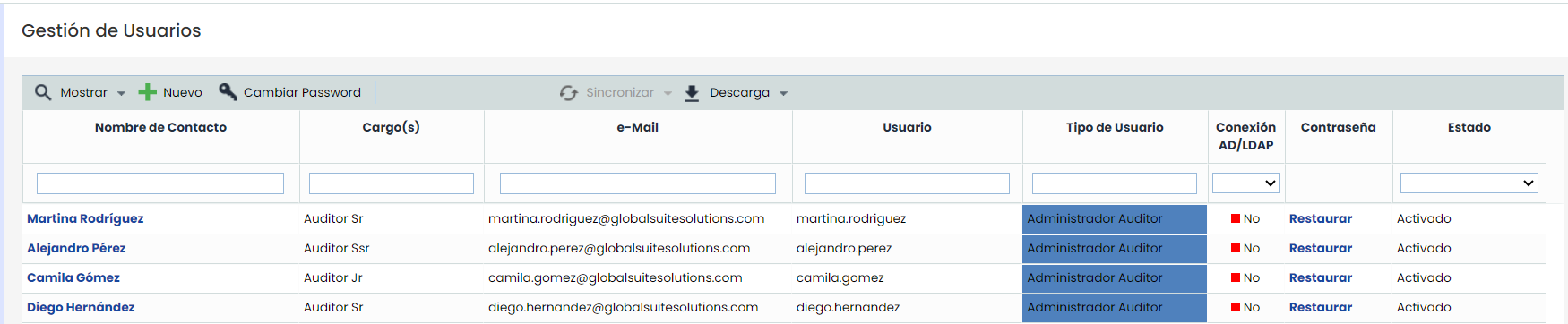
Audit Administrator: The user has privileges and exclusive access to functionalities related to auditing and can create company users with access only to those functionalities.
-
Can only create and manage users with access exclusively to Auditing.
-
In the option Company Roles can only assign and unassign new roles related to Auditing functionalities.
-
Cannot view users with access to other options.
-
Will only have access to the functionalities of the Audit module.
-
Cannot access or manage functionalities outside the scope of Auditing.
-
-
Management System Administrator: Responsible for managing the general functionalities of the management system but will not have direct access to specific auditing functionalities.
-
Can create and manage users with access to all options, except those related to Auditing.
-
In the option Company Roles cannot assign and unassign new roles related to Auditing functionalities.
-
Cannot view users with access to Auditing.
-
Cannot access or manage functionalities within the scope of Auditing.
-
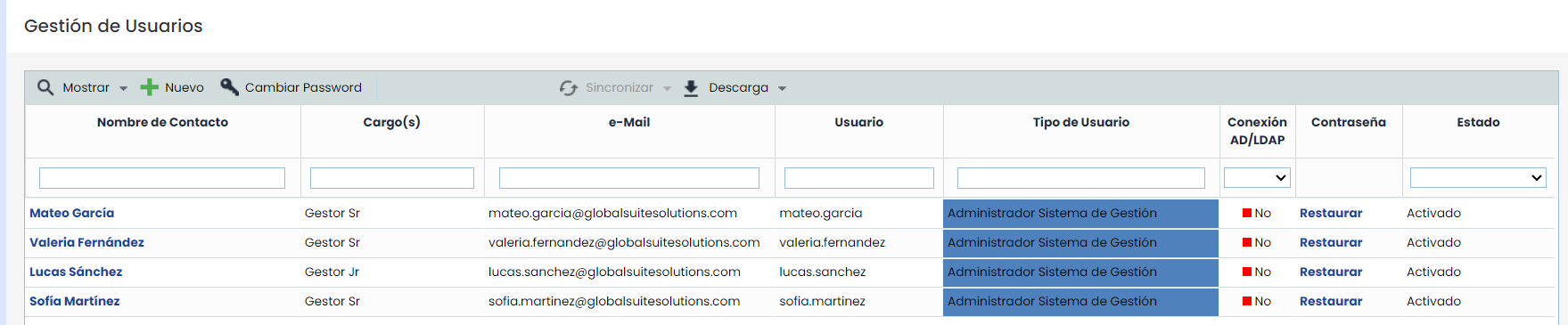
The roles that will have the ability to create them are as follows:
-
Enterprise Administrators
-
Platform Administrators
-
Access Administrators and
-
Organizational users (Administrator, Platinum, Gold, Ad. Consulting, Consulting)
The default limit for Audit and Management System Administrators will be 5 each. Additionally, this limit cannot exceed the total user limit.
Company User
If you select the option Company User in the Role Category dropdown, the available roles will be as follows:
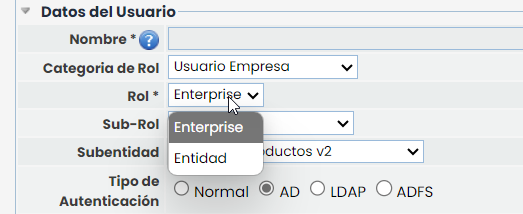
-
Enterprise: The user can access the assigned entity (in the 'Sub-entity' dropdown, the entity is selected) and does not have administrative permissions over it.
-
Entity: The user can access the assigned entity (in the 'Sub-entity' dropdown, the entity is selected) and consolidate information from entities dependent on the entity (if any exist). The user does not have administrative permissions.
For both company users, it is allowed to assign a specific sub-role. The sub-roles displayed are created in the 'Company Roles' option.