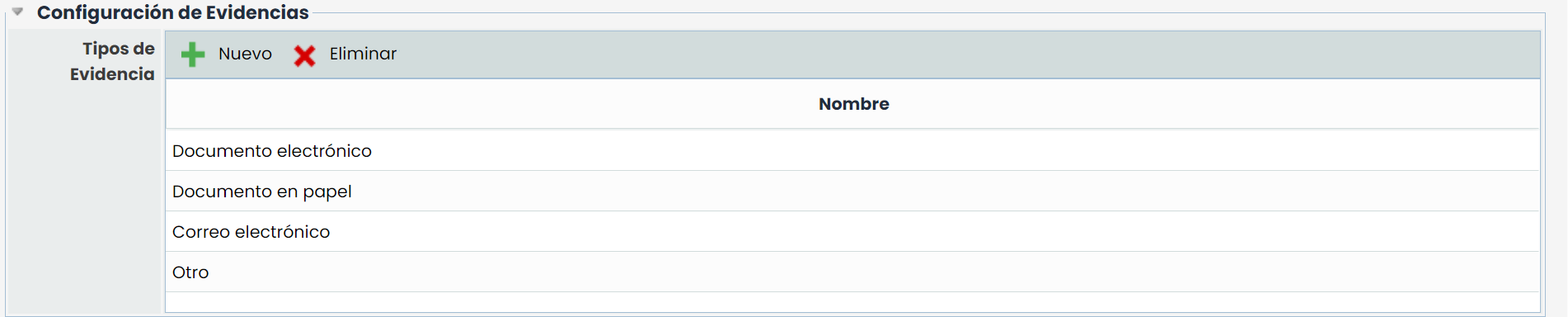
This section is only available for companies that have the "Evidence Management" option, depending on the contracted modules. For companies that do not have this option, the section will not be visible.
The table allows creating evidence types, which will be available for association with the evidence registered in the tool. The table allows the following actions:
-
New: This button allows creating a new row in the table. The name of the evidence type can be edited by double-clicking on the corresponding column.
-
Delete: Allows deleting one or more types in the table. To do this, select the desired row or rows and click on the ‘Delete’ button.