
This option allows the user to register and manage the organization's evidence, which can later be linked to risk treatment plans and the implemented controls registered in the "Control Management" option.
When accessing the option, a table is displayed containing all the organization's evidence. By default, only active evidence is shown, although through the "Show" button, the list of all evidence can be accessed.
.jpg?cb=4ea4d8669a62b4397a5c38d8e359cba2)
The table shows a summary of the evidence through the columns "Name", "Type", "Associated Documentation", and "Active". The rest of the information about evidence can be consulted directly in the table using the right mouse button, where all the columns that can be added appear.
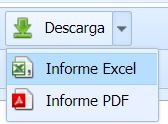
With the Download button, it is possible to download the list of Evidence in an editable format (xls) or in PDF format.
To access the details of evidence, you must select a row in the table and click on the "Details" button. When clicking on this button, the following form appears:
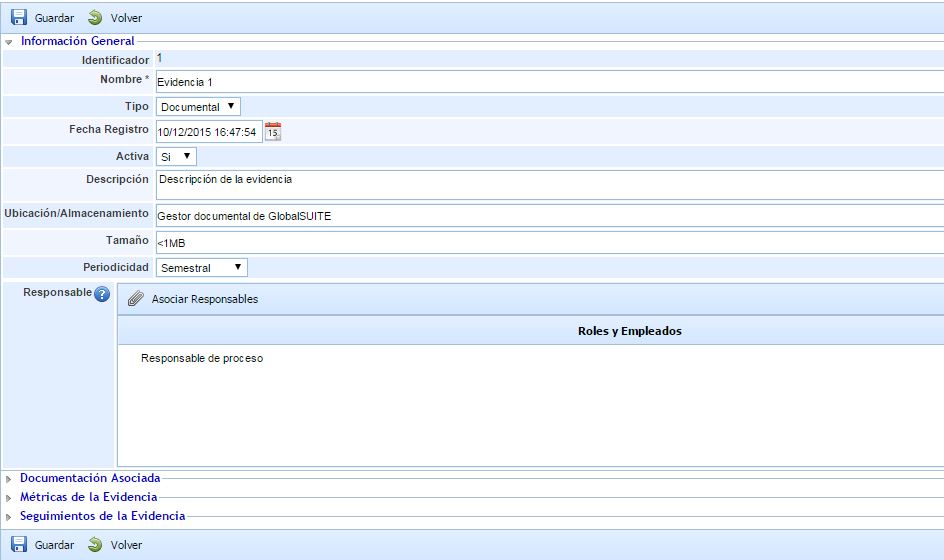
Within the "General Information" section, there are different fields to register information associated with the evidence, such as name, type, date, description, etc. The "Type" field is a dropdown list containing the different types of evidence that have been registered in 'Settings', specifically in the "General" option of Configuration.
Below the "General Information" section, there are other sections detailed below:
-
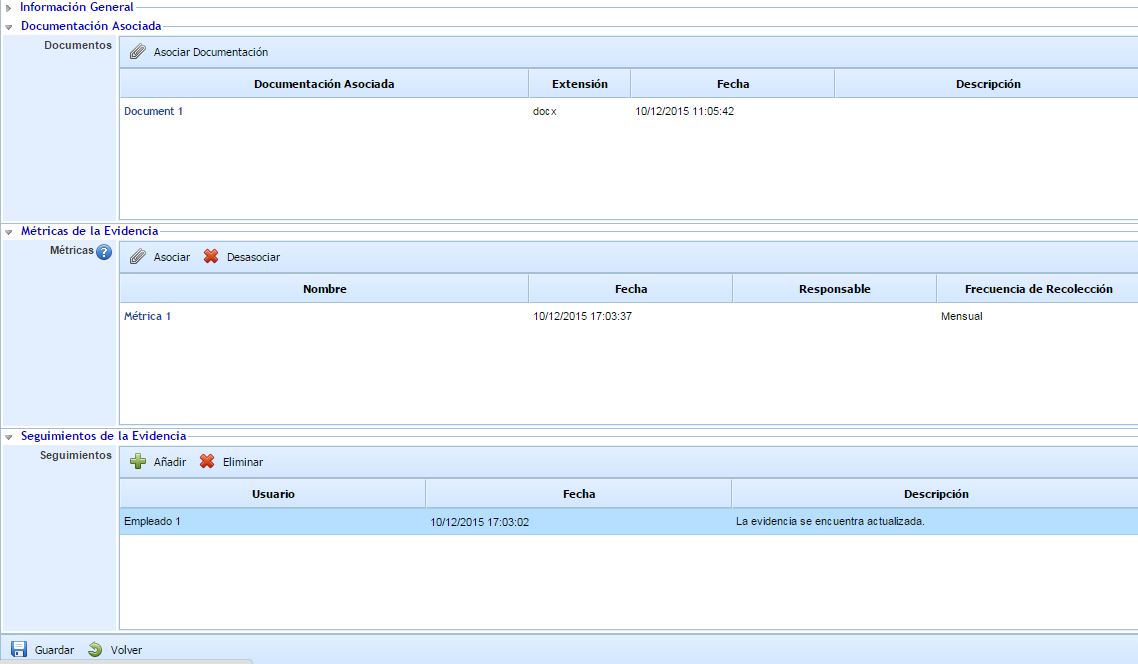
Associated Documentation: This section allows associating documentation from the document manager to the evidence. Through the "Associate Documentation" button, a pop-up window opens containing the folder and file tree of the document manager, allowing the selection of one or more documents.
-
Evidence Metrics: This section allows associating metrics that are registered in the ScoreCard menu. Through the "Associate" button, a pop-up window opens containing the list of metrics registered in the ScoreCard, allowing the selection of one or more metrics.
-
Evidence Follow-ups: This section allows registering those follow-ups considered necessary for the control of the evidence. The table allows creating different rows through the "Add" button, enabling the registration of the user (by default, the name of the user creating the follow-up is indicated), the date, and the description for each follow-up.