
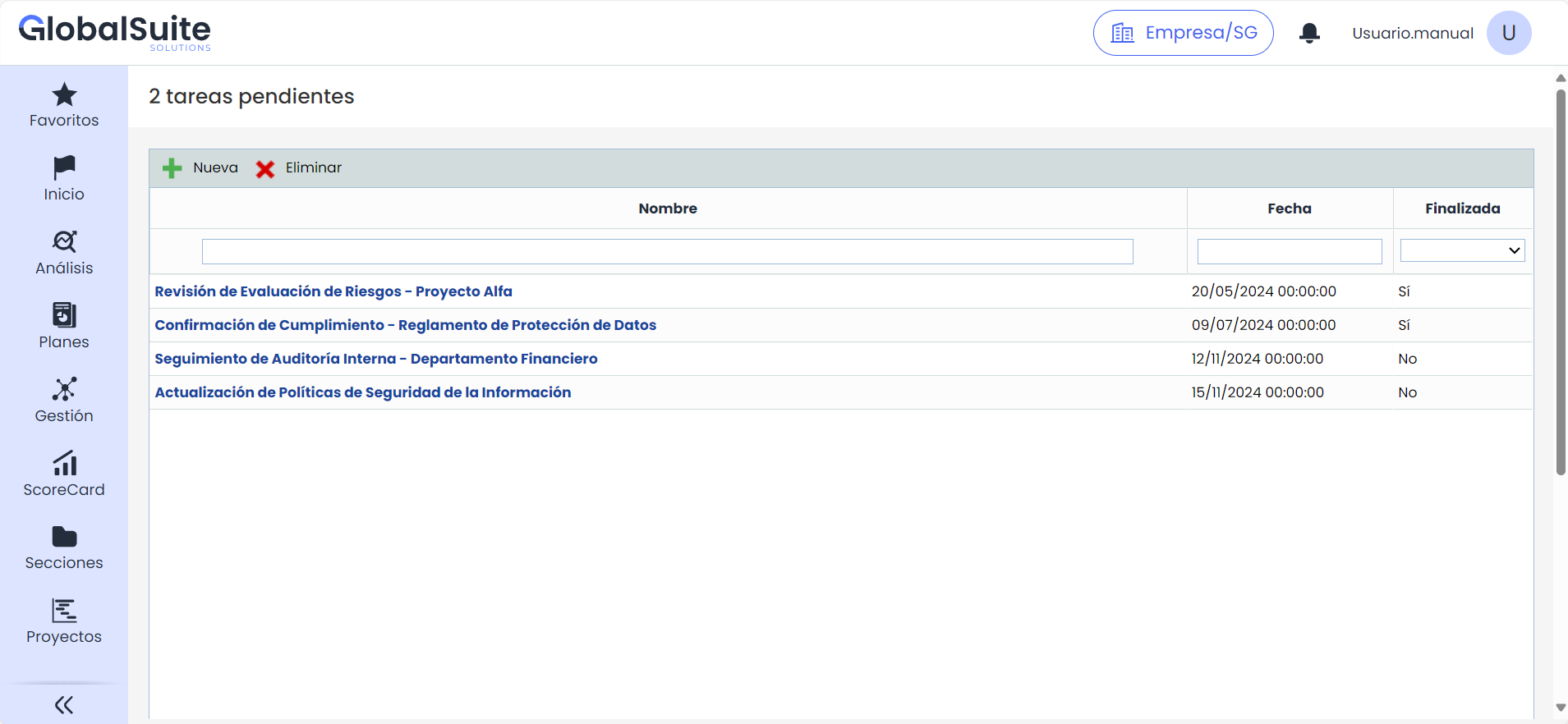
The 'Pending Tasks' option is specific to the user regardless of the chosen management system. It is used to maintain a list of pending tasks or the user's own notes.
New Task
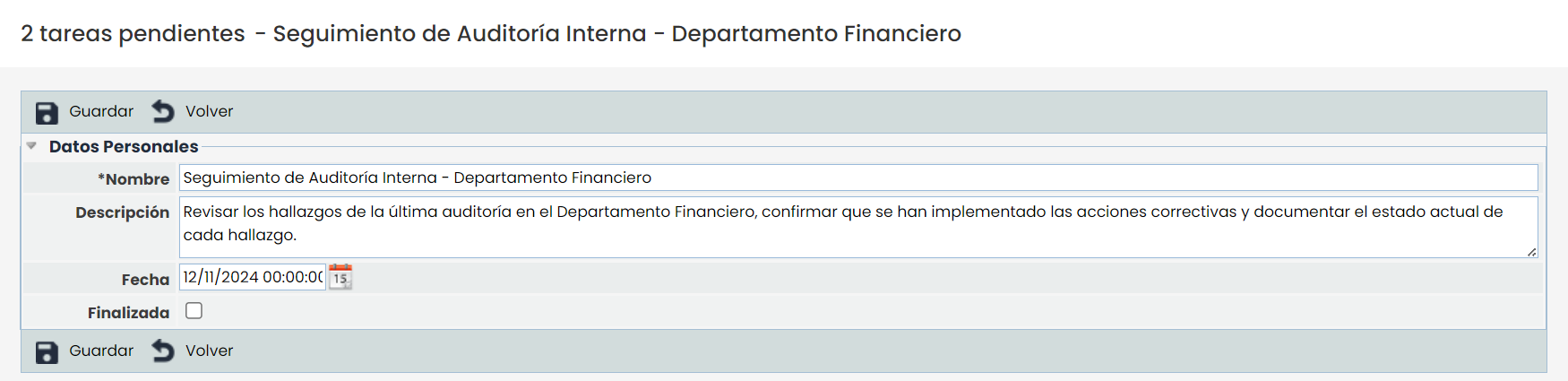
From the main screen, clicking on 'New' creates a new task. By selecting the task link, a form opens containing the following fields:
-
Name: Allows specifying the name of the task.
-
Description: Field to detail the description of the task.
-
Date: Allows assigning a date to the task.
-
Completed: A checkbox that can be marked to indicate that the task has been completed.
Delete Task
To delete a task, from the main table, the task must be selected and the 'Delete' button clicked. A confirmation message is then displayed: "Do you confirm that you want to delete the selected task?". You must select Accept to confirm the deletion or Cancel to cancel the action.