
The Favorites section allows creating shortcuts on the main screen for the most used options within the application, managing them at the Company level. This option provides a quick and personalized way to access the most used functionalities, optimizing the user experience and reducing navigation time. It is possible to add up to a maximum of 12 favorites, which can be modified or deleted at any time as needed.
Add a Favorite
-
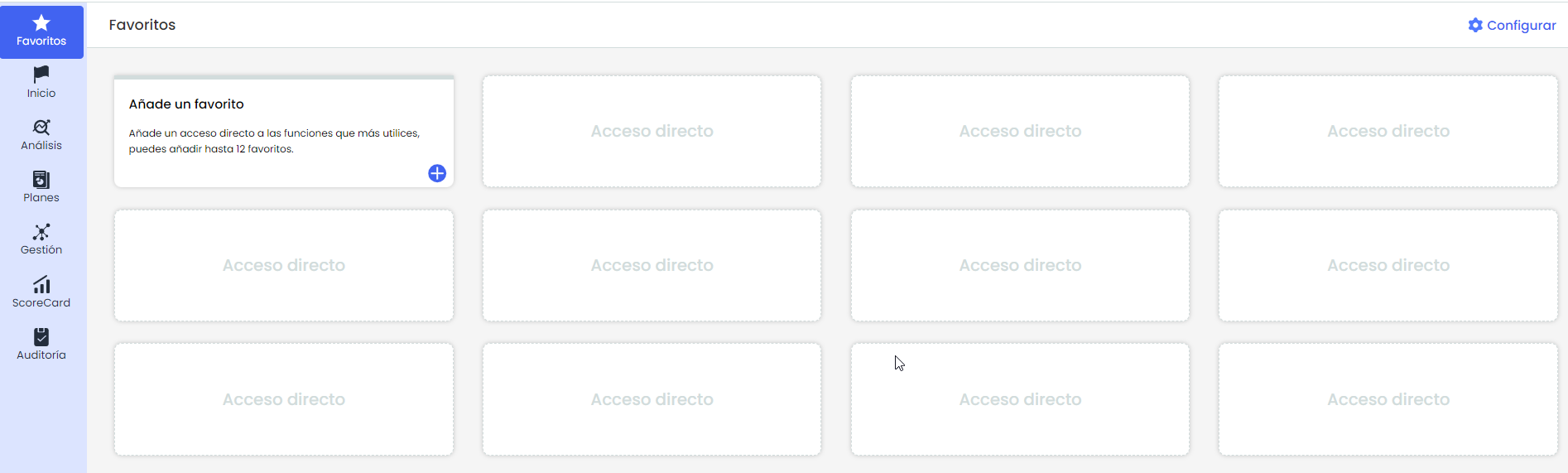
Access the "Favorites" tab in the left side menu.
To add a shortcut, click on the "+" icon within the box. This will open a pop-up window that allows selecting the desired sections as favorites.
You can also manage existing shortcuts by clicking on "Configure", located in the upper right corner of the Favorites section.
-
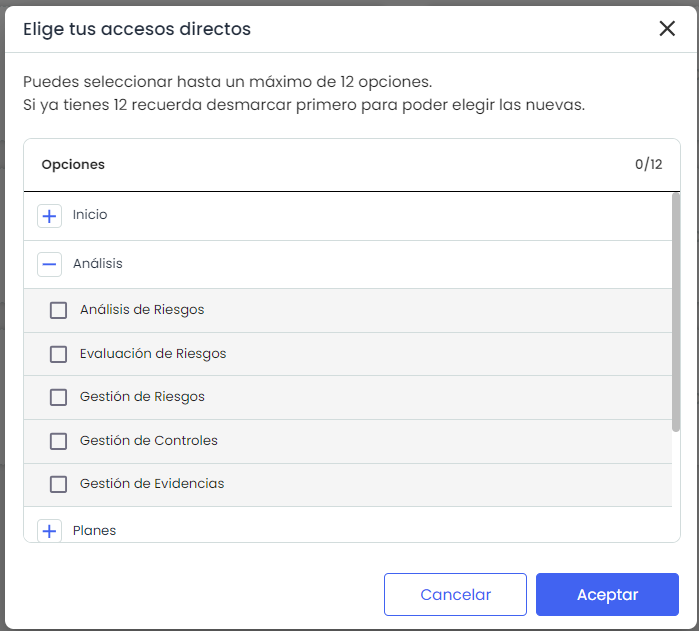
In the list of options, you can select or deselect the checkboxes next to each GlobalSuite Option to add or remove shortcuts.
-
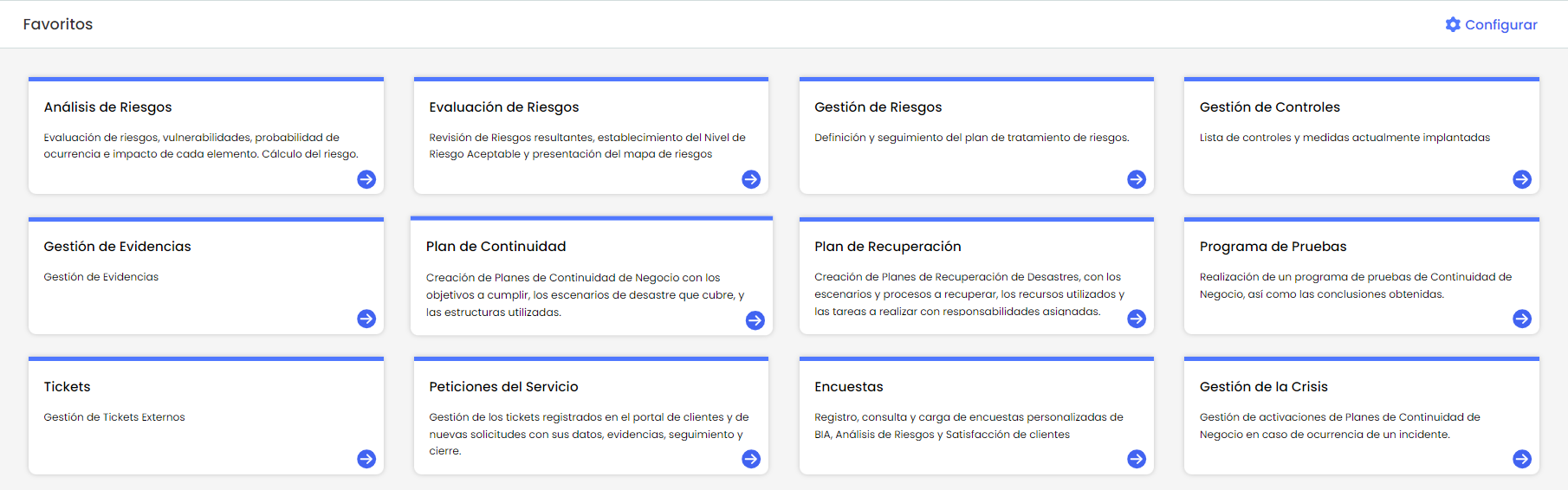
When finished, click the Accept button to confirm the changes. The selected shortcuts will be displayed in the available spaces of the Favorites section.
Remove Favorite
-
Click on "Configure", located in the upper right corner of the "Favorites" section.
-
A pop-up window will open where you can deselect the current favorites.
-
When finished, click the Accept button to confirm the changes. The deselected shortcuts will be removed from the Favorites section.