
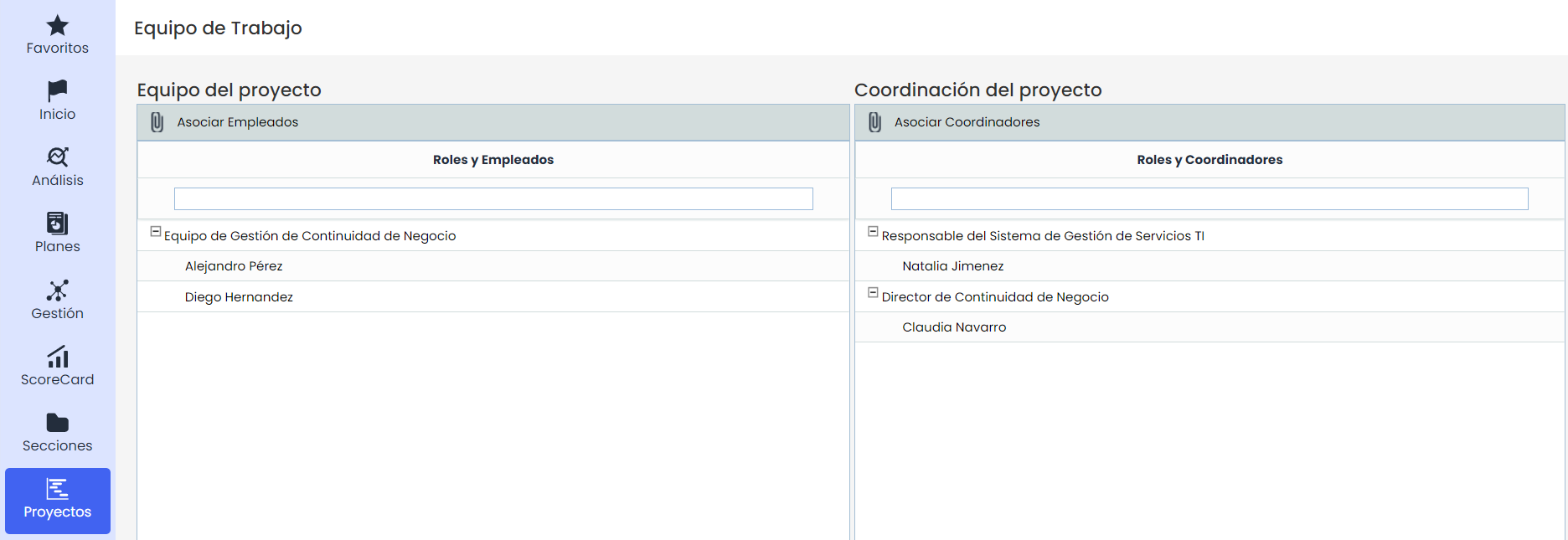
In the work team option, the manager will be able to select which users will be part of the work team for the implementation of the management system. Below are the details of each team:
-
Associate employees: To select them, you must click on the button, and once the user is selected, you must click on the 'Load Roles/employees' button for the user to be added to the table. To remove any user, you must select the user's row and click on the Delete button.
-
Associate coordinators: To select them, you must click on the button, and once the coordinator is selected, you must click on the 'Load Roles/employees' button for the user to be added to the table.
Note: Only the users included in these work teams will receive notifications from the Users/Configure Notifications option.