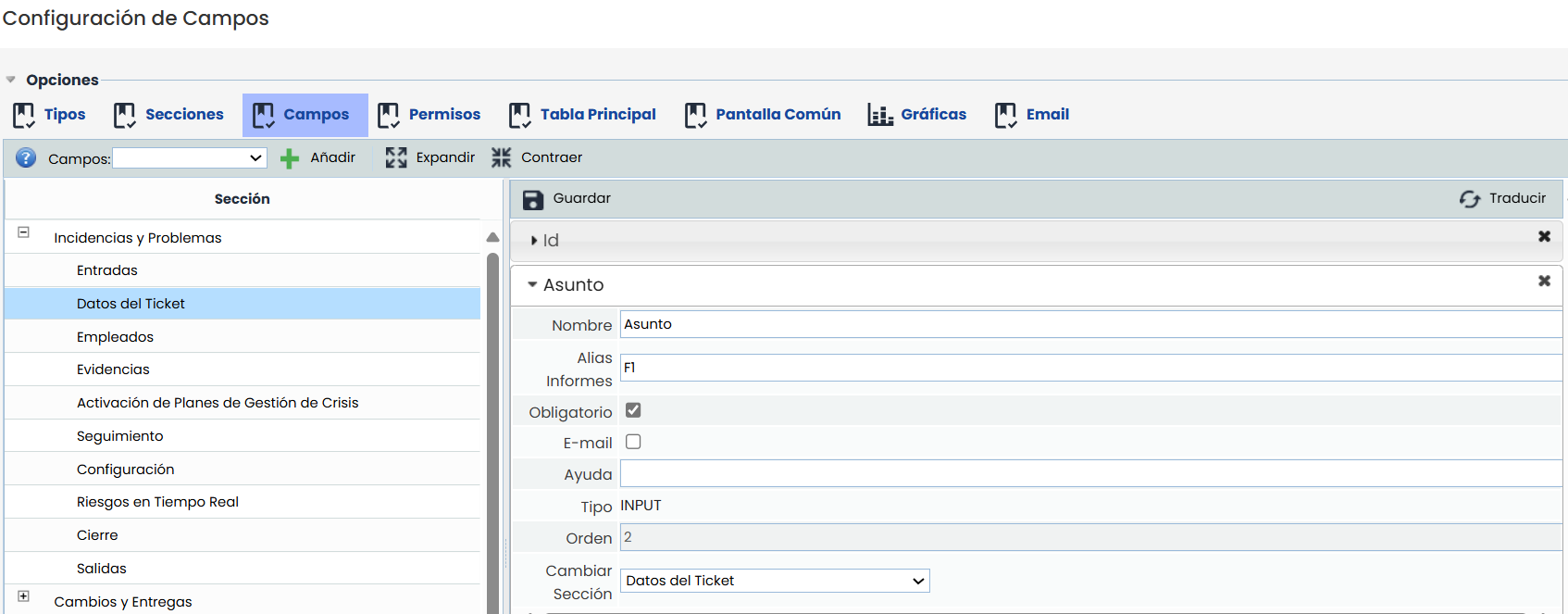
This option allows us to create different types of fields for the form in each of the tickets, also group them into sections, and modify their order.
-
Add: To add a new field in a section of a ticket, we must click on the ticket section, then select the type of field to add in the "Fields" dropdown, and finally, click the "Add" button. We will see how the new field is inserted at the end of the list of fields in this section, being able to configure this field and modify its order of appearance in the form by dragging the field up or down to reorder.
-
Fields: Dropdown where the different fields that can be inserted into a ticket appear.