
GlobalSuite® through this option allows associating different existing roles in the company to the employees involved in the system management.
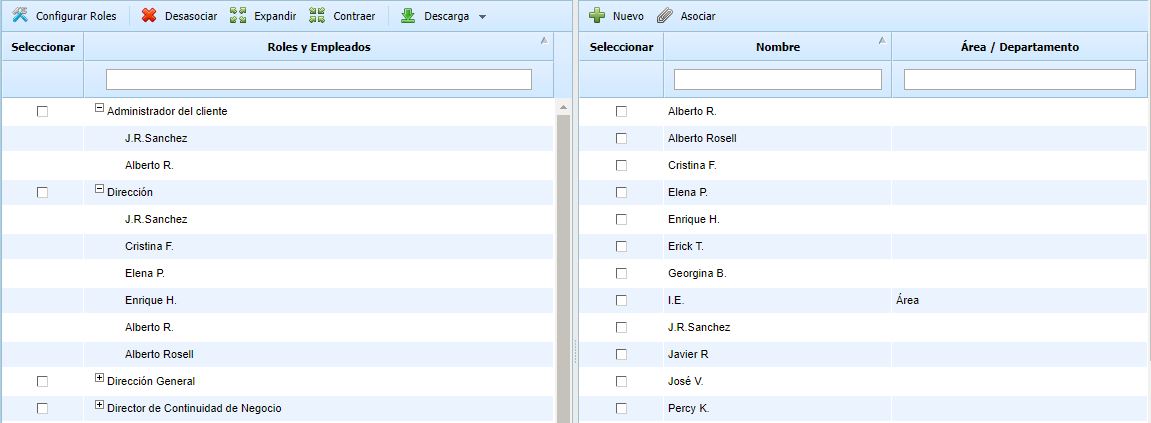
To perform this operation, it is necessary to check the left column of the role or roles and the left column of the employee or employees. This way, a multiple association is allowed. If you want to disassociate an employee from a specific role, you must select the employee's row by clicking on that row and pressing the Disassociate button.
GlobalSuite allows the creation of employees in this section by clicking on the 'New' button at the top of the right column, generating a screen where data such as Name, Email, Position can be defined.
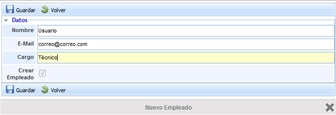
On the other hand, by right-clicking on the columns, it is possible to show/hide informational fields such as User, Position, Area/Department, and E-mail.