If we click on the second option of the top submenu, the tree of Services and Processes defined in Home - Processes is displayed first.
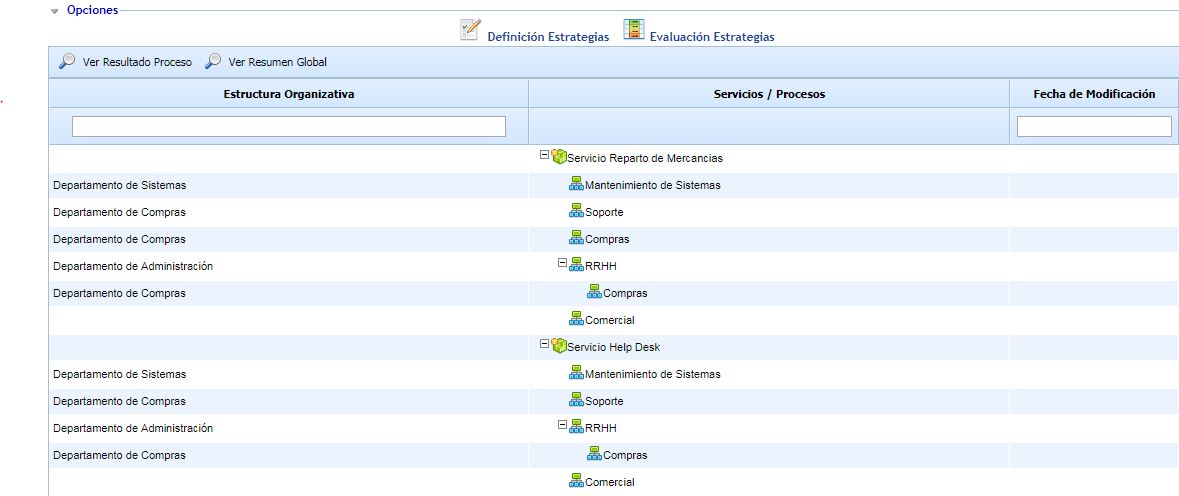
Within this screen, there are two possible options:
-
View Process Result: Depending on the process selected in the tree, the strategies defined for this process can be assessed.
-
View Global Result: Depending on the selected organizational structure, a summary of the business processes belonging to the selected organizational structure and the strategies of the set of business processes will be displayed.
View Result by Process
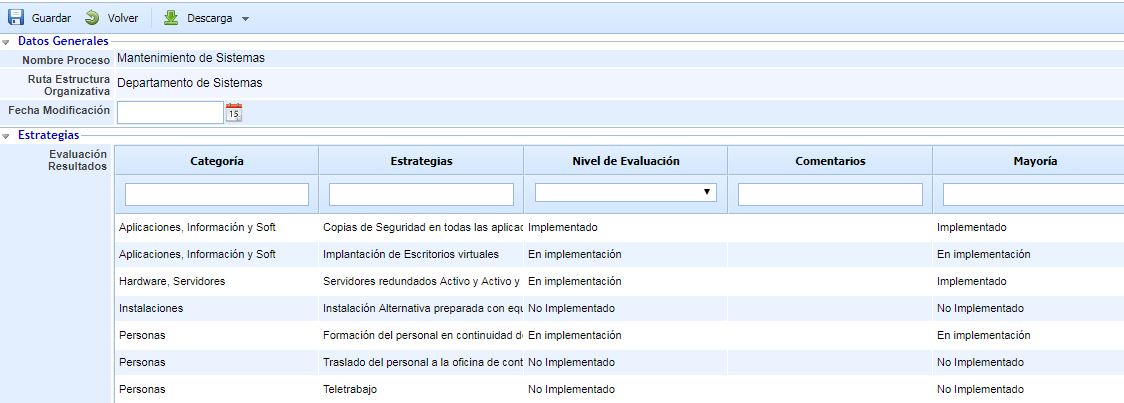
By selecting the process in the table and clicking the View Process Result button, the view where the strategies in the process can be assessed will appear.
-
Process Name: Process it refers to. It cannot be modified.
-
Organizational Structure Path: Area to which the process belongs.
-
Modification Date: Date of the last modification in some of the strategies of the process.
-
Result Assessment: List of strategies affecting the selected process. The following columns can be seen:
-
Category: Strategy category.
-
Strategy: Name of the strategy.
-
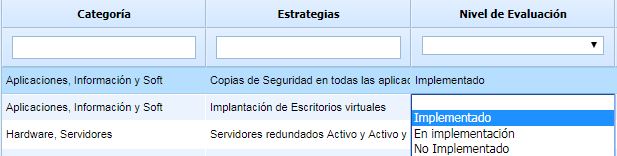
Assessment Level: Maturity of the strategy in the business process. By double-clicking on the cell, a list with the levels defined in the 'Settings' section will appear.
-
Comments: Any additional information related to the strategy.
-
Majority: Majority maturity level of that strategy in the rest of the company's processes.
-
View Global Result
By selecting the organizational structure in the table and clicking the View Global Result button, a summary view will appear where the business process maturity level in that strategy can be seen grouped by strategies.
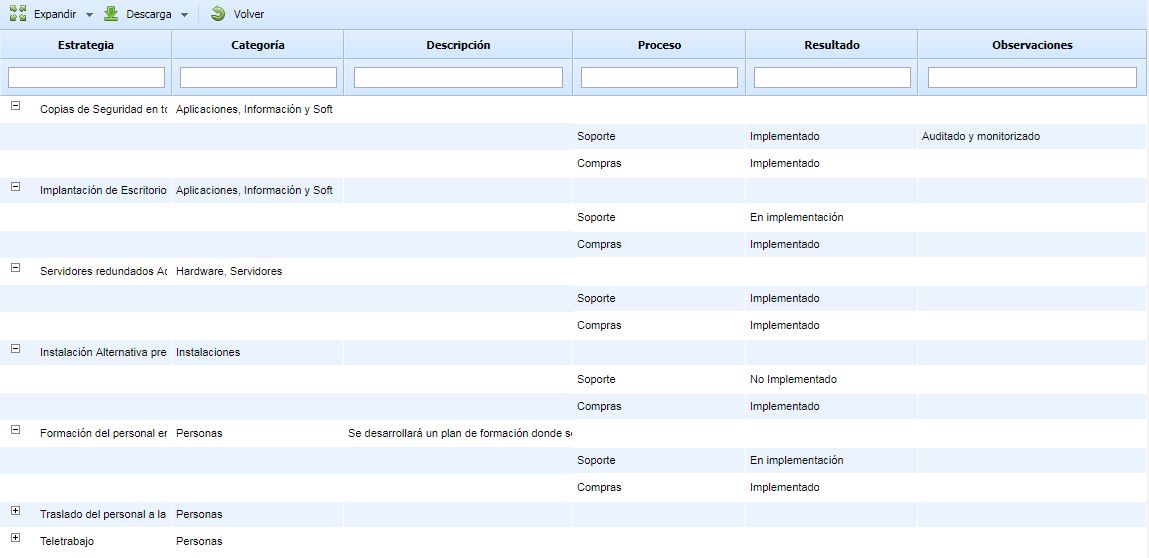
The information is displayed in a tree format, where the root will be the strategies of some of the processes in the selected area, and the children will be the processes where that strategy is related. The information displayed on this screen is as follows:
-
Strategy: Name of the strategies affecting any business process in the selected area.
-
Category: Category of the strategies.
-
Description: Description defined in the strategy.
-
Process: One row for each process where the strategy is implemented.
-
Result: Maturity level of the strategy implementation in the process.
-
Observations: Any additional aspect of the strategy in the process.
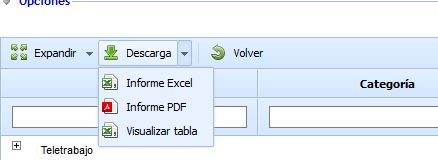
This view can be downloaded in an Excel or PDF format as a summary of the selected area. The "View Table" option can also be used, allowing us to download the global view of strategies by organizational structure.