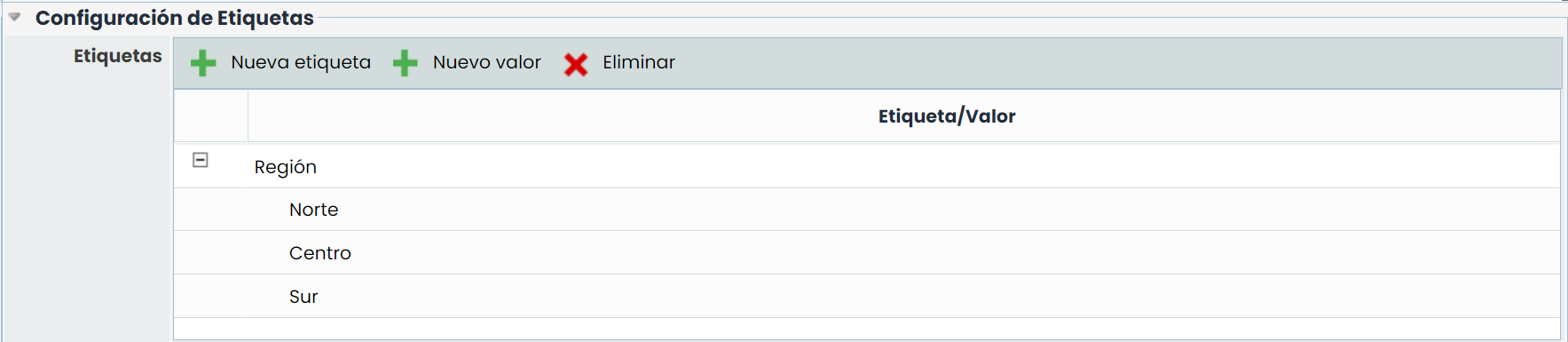
This section is only available for companies that have sub-entities. For companies with a single entity, the section will not be visible.
This table allows defining a set of tags that can be associated with sub-entities. A sub-entity can have one or several tags with the corresponding values. The table allows the following actions:
-
New tag: This button allows creating a new tag. The tag name can be edited by double-clicking on the name.
-
New value: This button allows creating a value for a tag. To do this, the desired tag must first be selected, and then the button must be clicked. Tag values can be edited by double-clicking on the name.
-
Delete: Allows deleting a tag or a value from the table by selecting the desired row and clicking the button.