
New features and improvements – Password recovery and creation
We have completely revamped the user registration and password recovery process, eliminating the sending of passwords via email. This change responds to customer requests and security best practices, avoiding the use of plain text keys and strengthening account protection.
User registration and password restoration performed by administrators from Settings now send an email with a secure link, valid for 5 days, allowing the user to set their password.
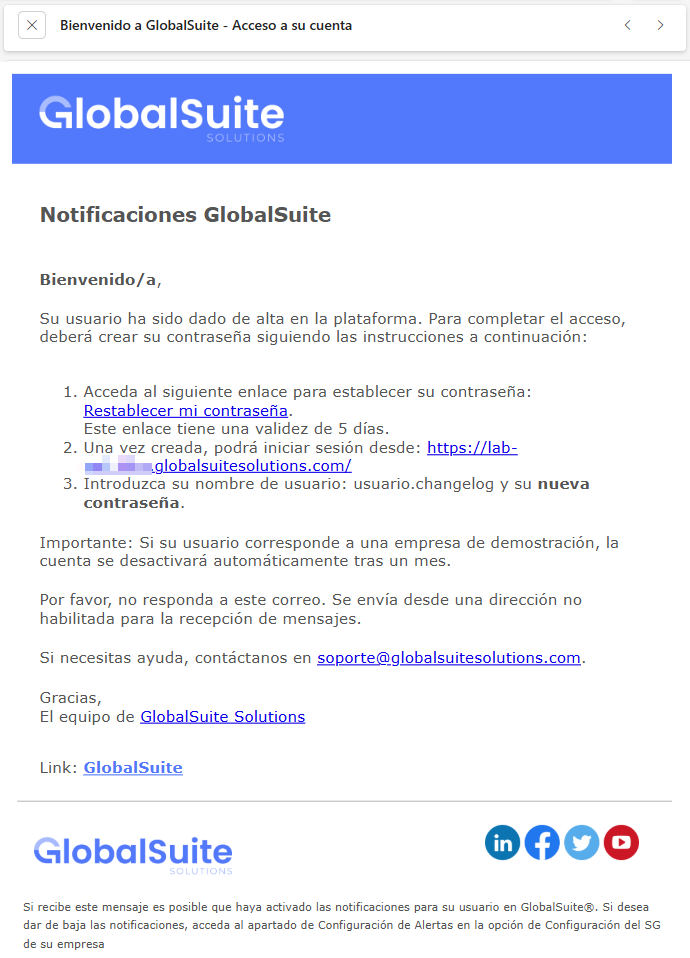
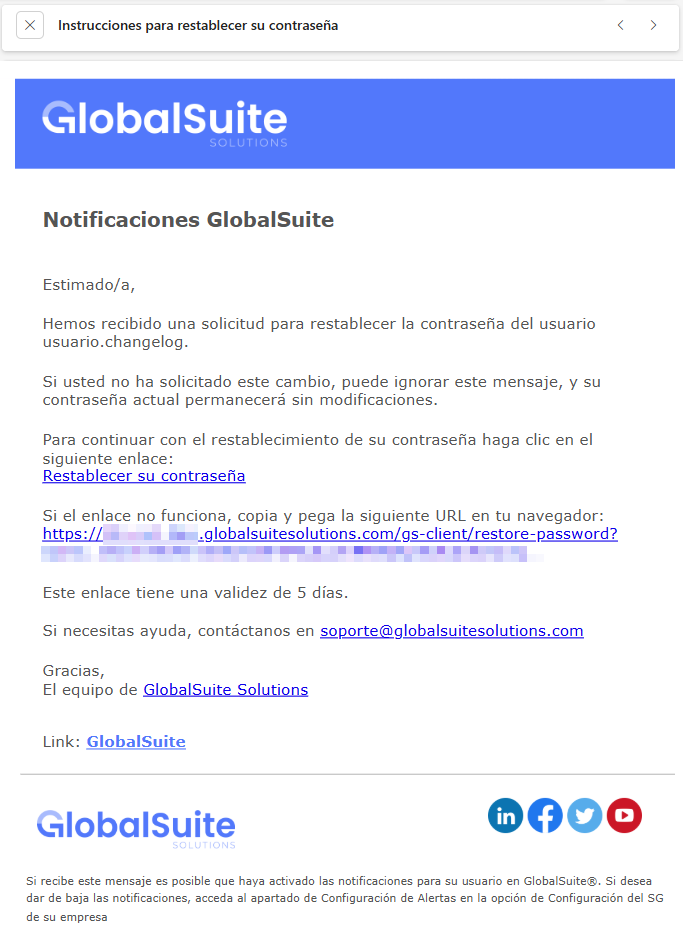
Similarly, the “I forgot my password” option sends an email with a secure link valid for 30 minutes, allowing the recovery process to be completed autonomously.
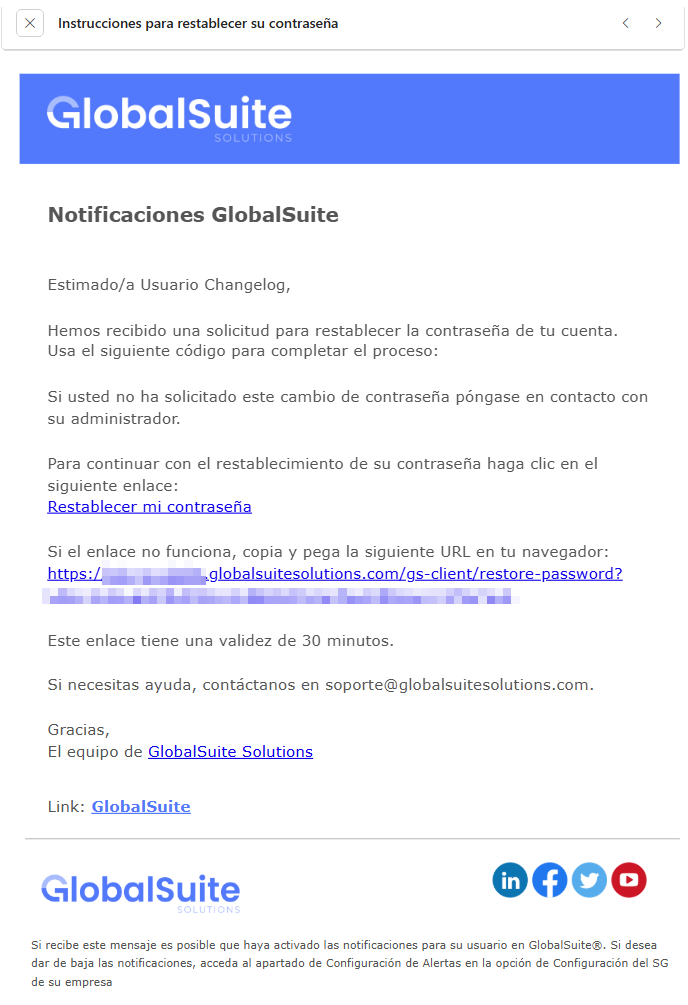
All links generated for password reset are unique, signed, and single-use, automatically invalidating after their first use. Additionally, a new password change screen is introduced, from which the user can set their new key once the received link is validated.
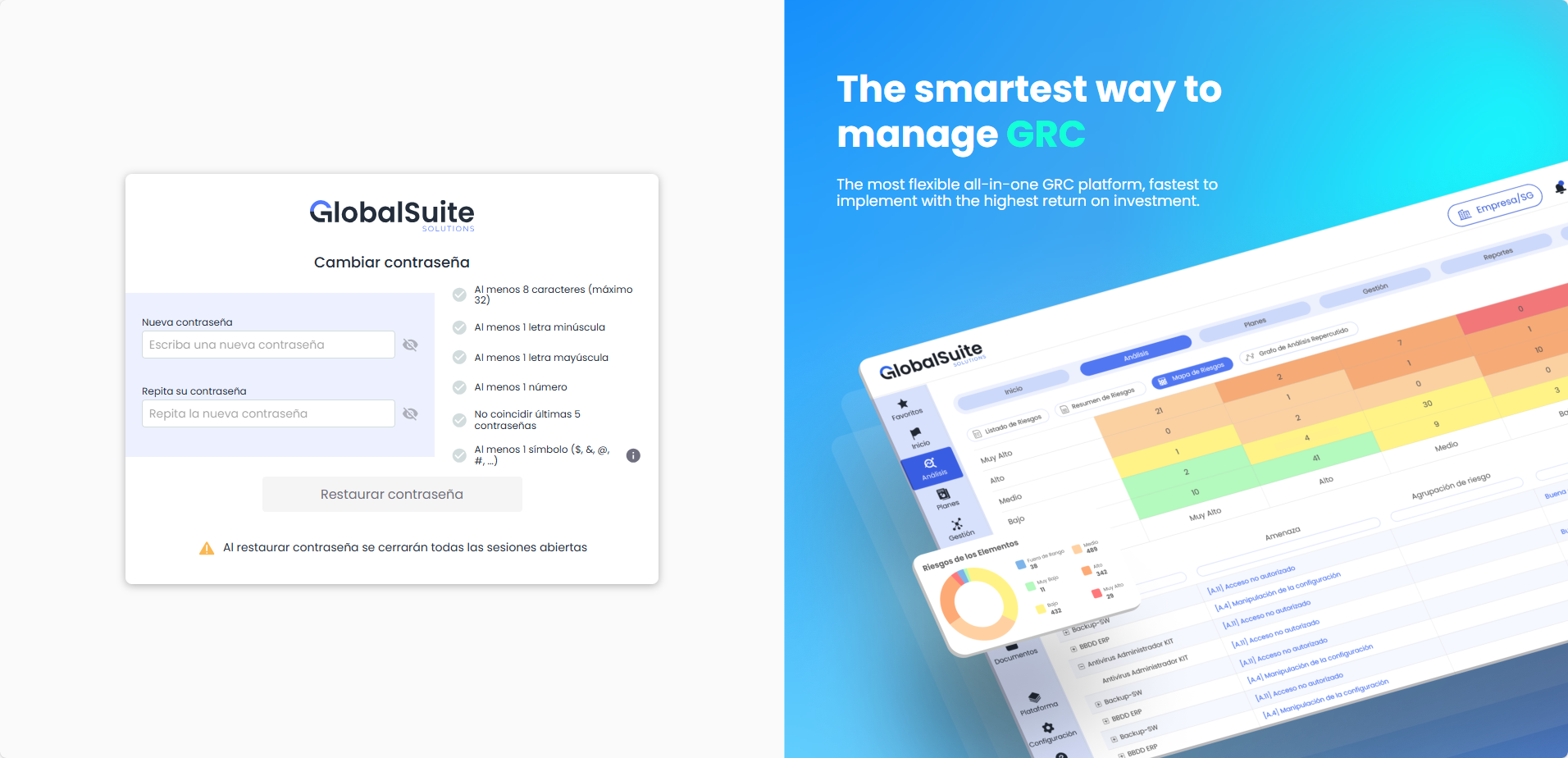
After a successful password change, the system closes previous active sessions, logs the event audit, and sends a confirmation notification to the user.
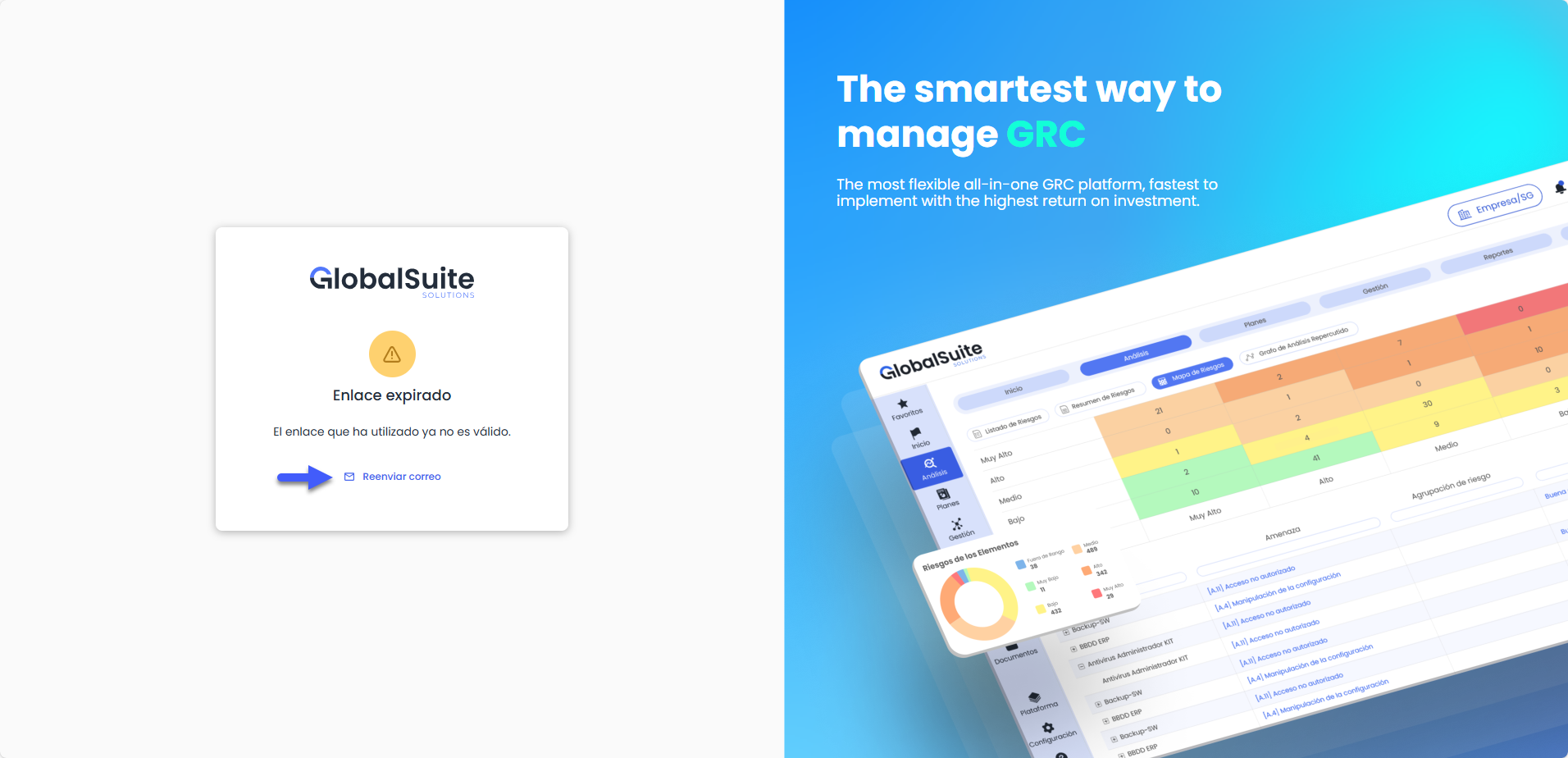
If the link has expired, accessing it will display an informational message and offer the option to resend the email, allowing a new reset link to be generated directly from the screen.
These improvements apply to users with local authentication in GlobalSuite. Users accessing via AD, LDAP, ADFS, or Single Sign-On with SAML will continue operating as before.
GlobalSuite API: Security update in authentication
To raise security standards and ensure the integrity of communications with GlobalSuite, we will adjust the mechanisms allowed for sending the API-Key.
Starting with the next version, the use of the API-Key as a parameter in the URL (GET) will be deprecated and no longer functional. The only valid way to authenticate requests will be through HTTP headers.
Why are we making this change?
Sending credentials through the URL (query strings) poses a security risk, as keys can be logged in:
-
Browser navigation histories.
-
Server logs and intermediate proxies.
-
Referrer headers when navigating to other sites.
By restricting usage to the Header, we align with industry best practices (OWASP), ensuring the connection is more robust and private.
Technical details
This is how it currently works (Supported until the current version):
Sending the key is allowed both in the URL and in the header: https://demo-eu.globalsuitesolutions.com/v1/categories?api_key=API-KEY
This is how it should work (Only method available in the next version):
The key must be sent exclusively in the request header:
HTTP
GET /v1/globalsuite/data HTTP/1.1
Host: demo-eu.globalsuitesolutions.com
X-API-KEY: TU_CLAVE_AQUI
Content-Type: application/json
Action required
If you are currently integrating with GlobalSuite® using the API-Key as a parameter in the URL, the connection must be updated before January 18 to avoid service interruption.
-
Locate the API calls to GlobalSuite in your code.
-
Remove the api_key parameter from the URL string.
-
Add the key in the HTTP request header under the name apikey.
More info
You can find more information about the GlobalSuite API at this link:
https://help.globalsuitesolutions.com/es/globalsuite/v1/globalsuite-api