Features and improvements included:
New acknowledgment of receipt alerts for reports
Starting with this version, it is possible to configure automatic alerts that will be sent X days after the registration of a communication.
This functionality allows for better tracking of reports registered in the Channel, sending notifications or reminders to both managers and the reporter.
Additionally, it complies with the European Whistleblower Protection Directive (Directive 2019/1937) and Law 2/2023, of February 20, regulating the protection of individuals who report regulatory violations and fight against corruption, to address the requirement of acknowledgment of receipt notification to the reporter.
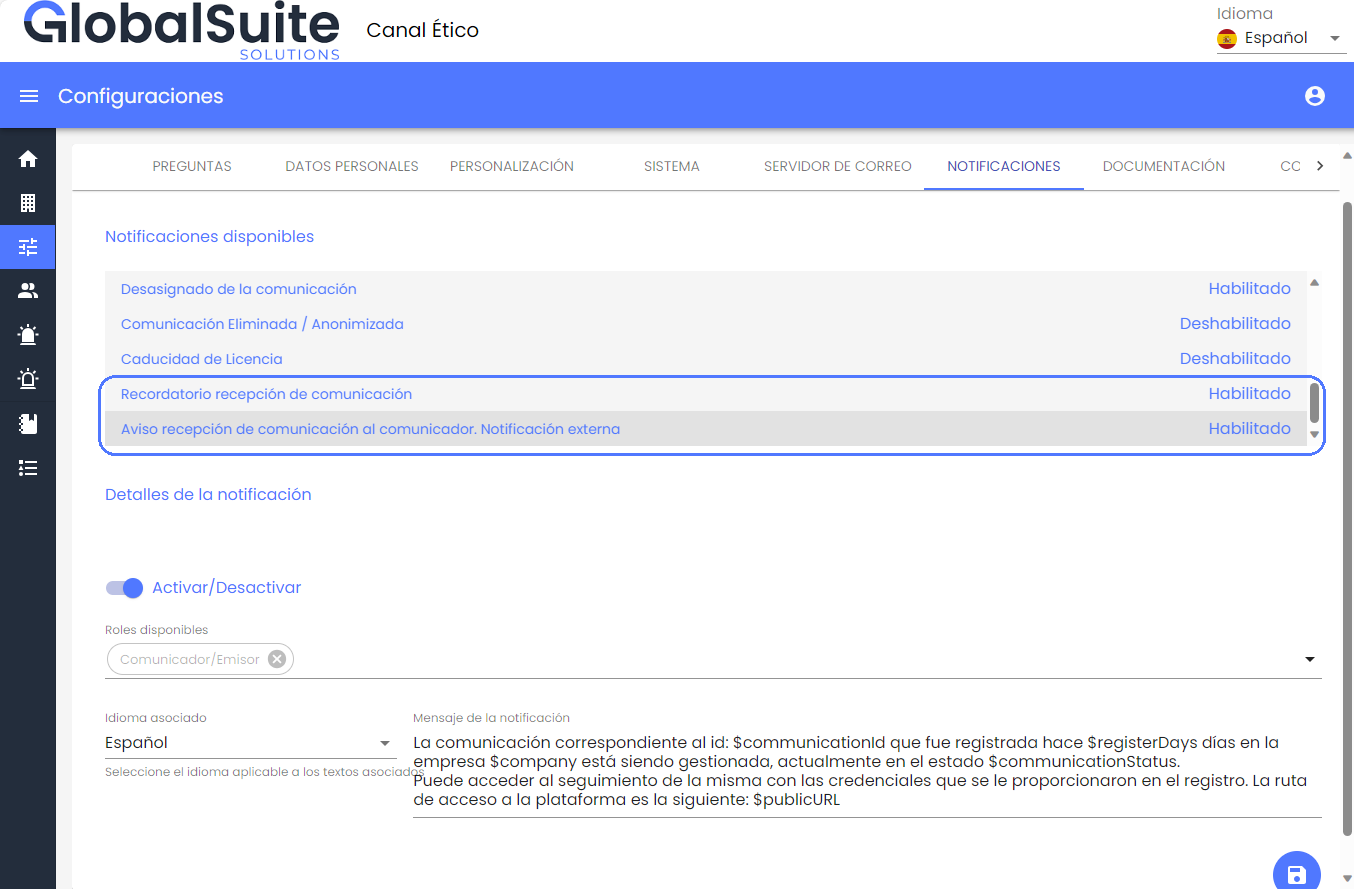
Two new configurable alerts are included in the Settings > Notifications section:
-
Communication receipt reminder: This internal alert allows notifying Channel users, including assigned managers.
-
Communication receipt notification to the reporter. External notification: Allows notifying the status or situation of the report registered in the Channel, after a certain number of days from its creation. This email alert will only be sent if the reporter has not registered it anonymously.
-
In both cases, it will be possible to enable or disable these notifications. By default, they are disabled, so if you want to start using them, you must enable them.
-
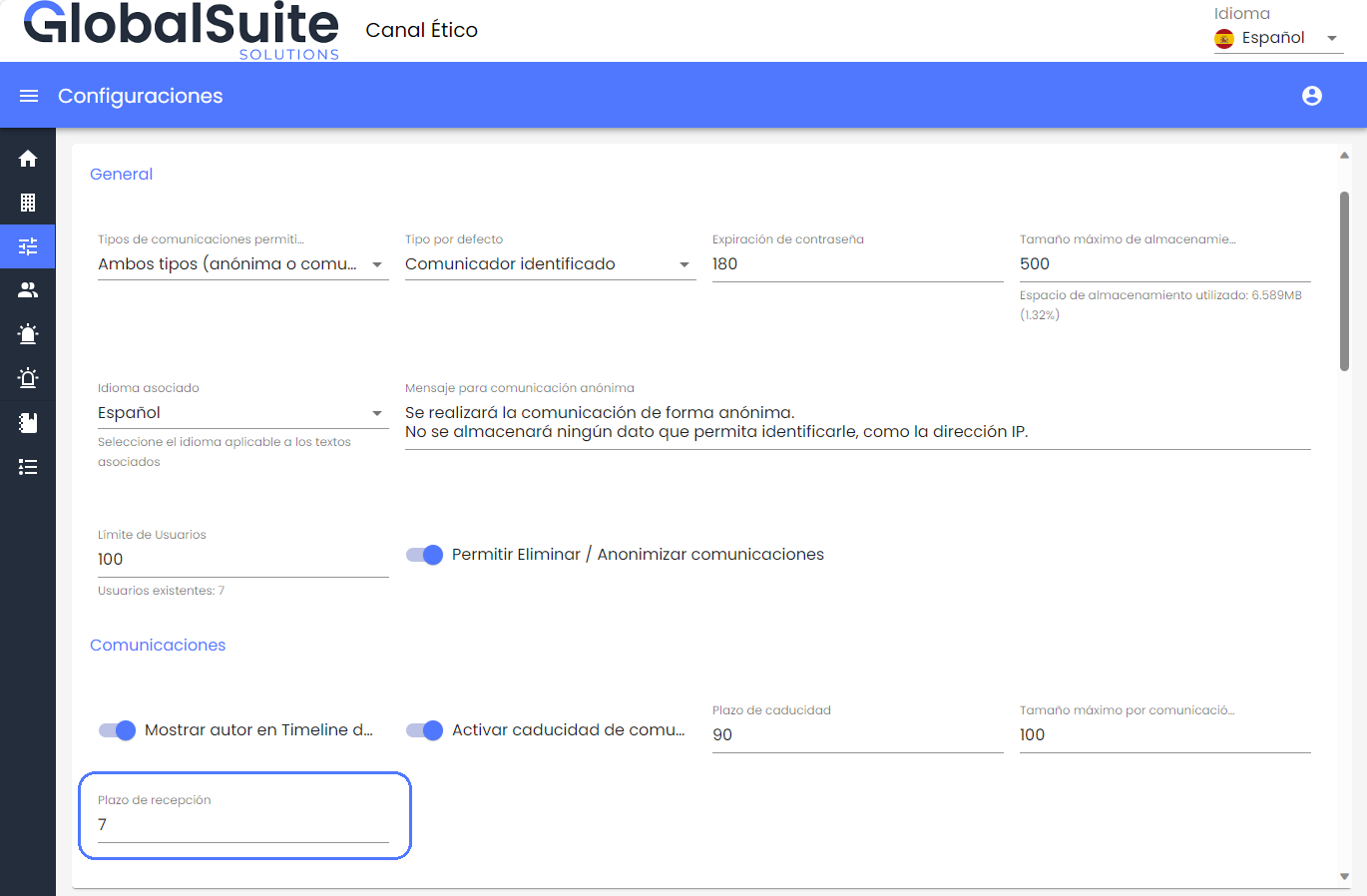
The number of days from receipt after which the alert will be sent is configurable in Settings > System, with the default set to 7 days from receipt of the report.
-
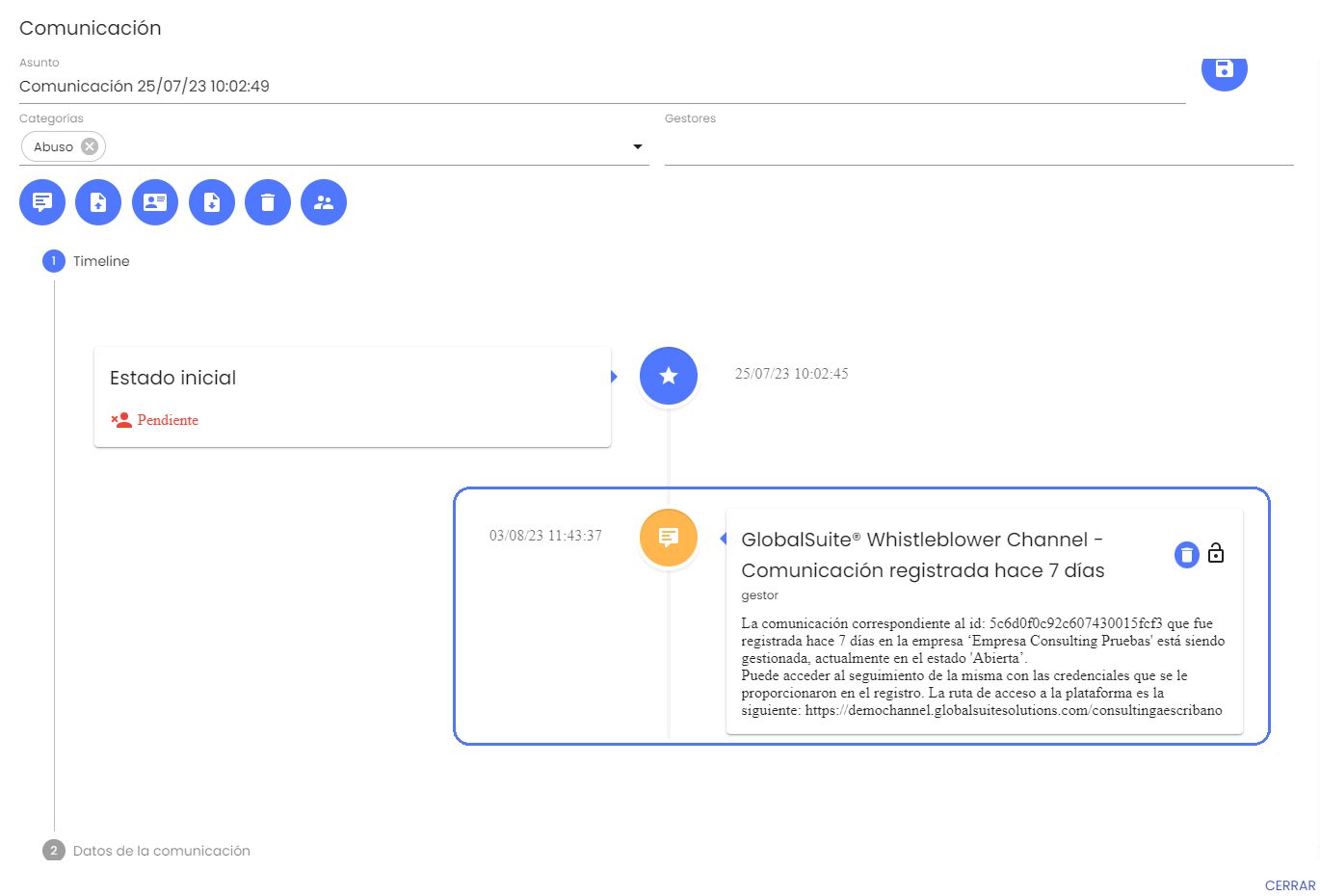
Additionally, in the case of the receipt notification to the reporter, it will leave a record in the Timeline of the report of that communication made.
SSO Authentication with Azure AD
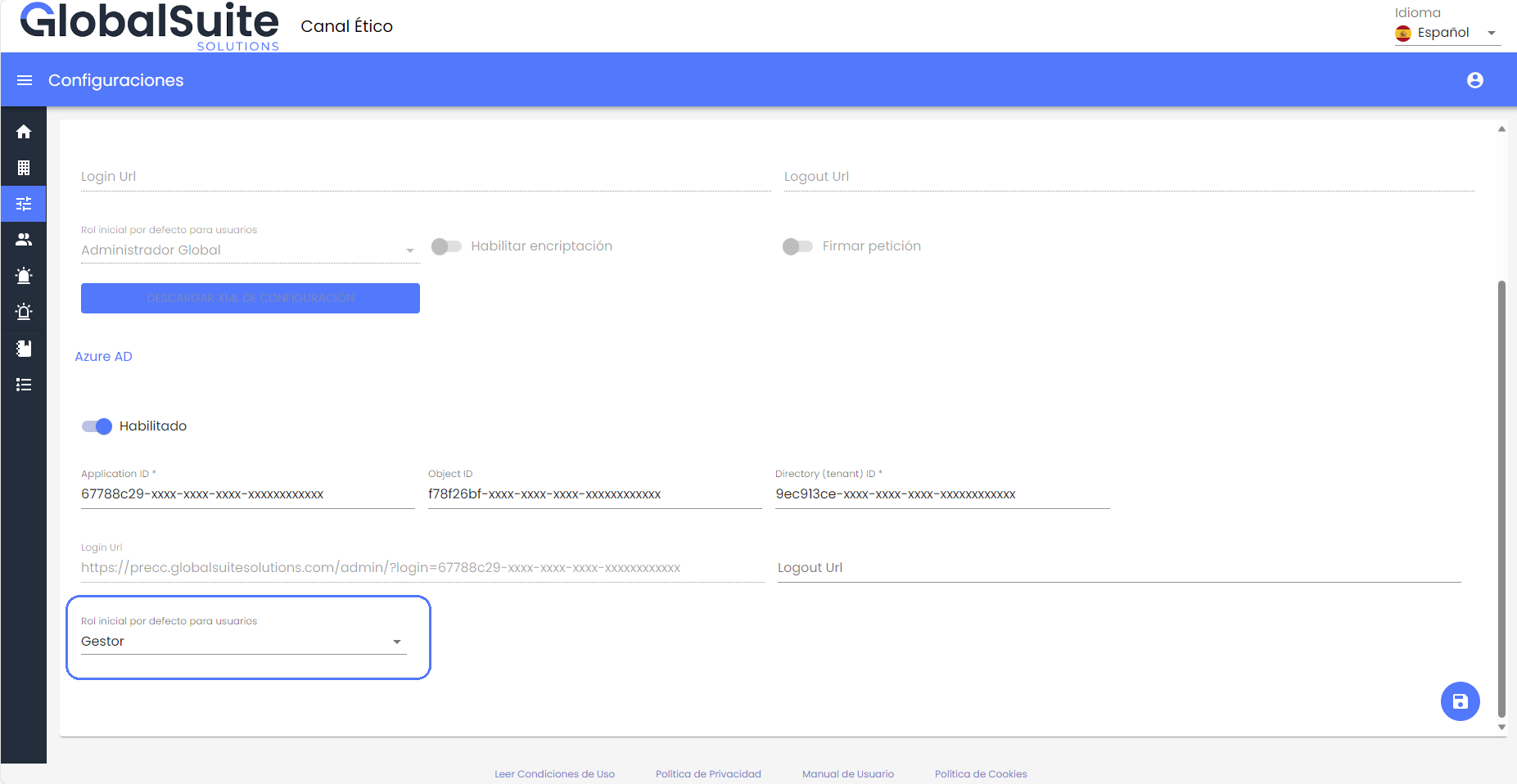
In this version, the possibility of configuring authentication with the Azure AD cloud service is added to the existing authentication options (local application users or integration with ADFS - SAML) in the Channel.
-
Authentication will be done through Single Sign-On, for which the user will only need to access the specific URL in the configuration.
-
If the user is already authenticated on their device, access will be direct to the system.
-
If they are not authenticated in the browser, or have multiple active accounts, they will be prompted to choose which account to use or enter valid credentials.
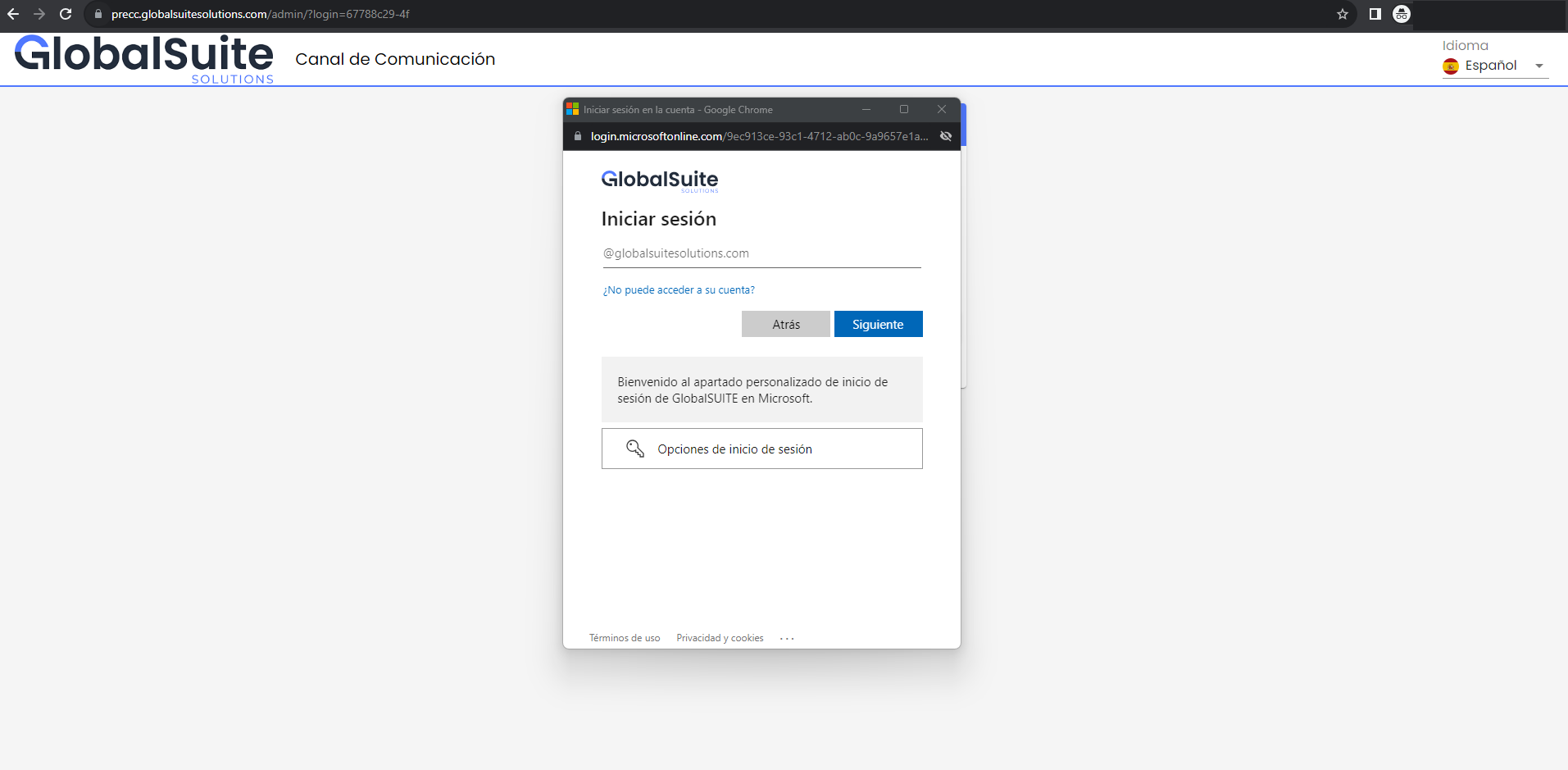
-
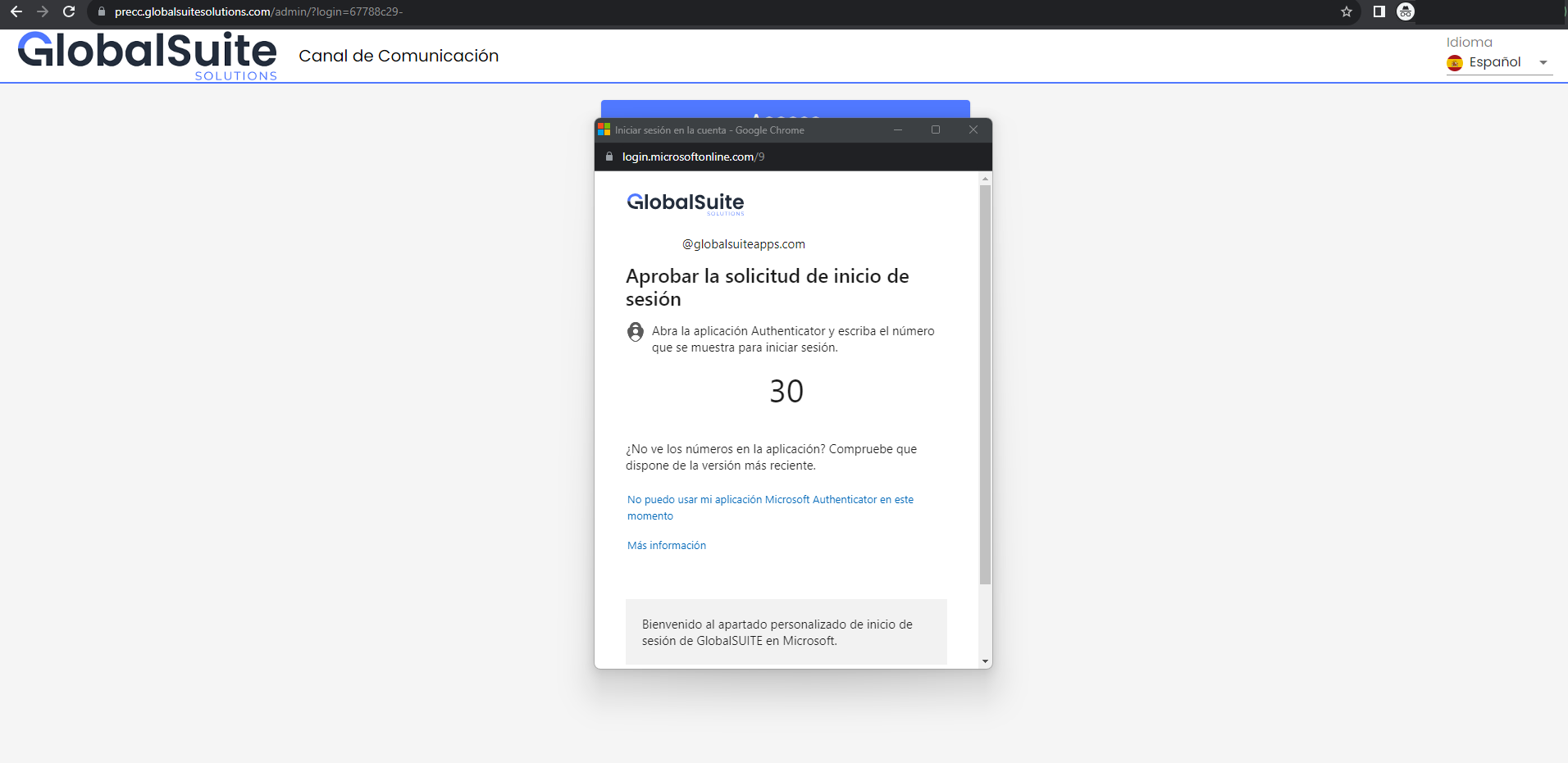
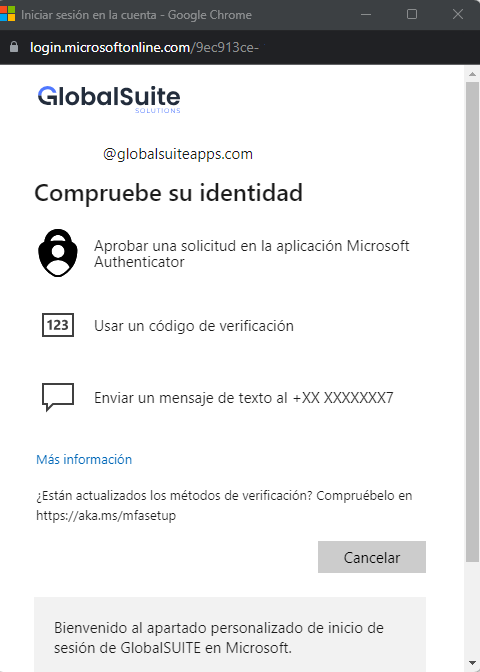
If the use of MFA (Multi-Factor Authentication) is configured in Azure AD, the verification code will be requested through Microsoft Authenticator, email, or SMS. This is compatible with the 2FA mechanism included in GlobalSuite® Whistleblower Channel and can be enabled.
-
When an authorized user accesses for the first time, they will be registered in the Channel, assigning them the default role defined in the configuration.