New features and general improvements
New Two-Factor Authentication (2FA) method with Email
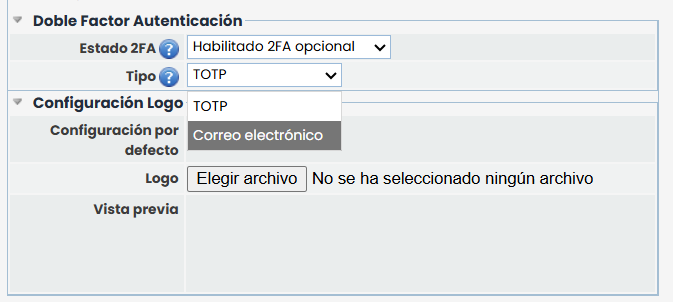
A new two-step authentication (2FA) method is introduced through the sending of a temporary code via email, as an alternative to the current mechanism based on the TOTP application. This new system allows companies to define the preferred authentication method ( TOTP or Email) when 2FA is enabled, keeping TOTP as the default option and for all companies that already had 2FA active.
Key features:
-
Configuration of the 2FA method at the company level, which can be defined as optional or mandatory.
-
If 2FA is optional, each user can manually activate it from their profile.
-
If 2FA is mandatory, its configuration will be requested on the next system access.
-
-
Full integration of the email method both in the login process and in the user profile management.
The guided configuration flow consists of three steps:
1. Sending the temporary code: an email is sent with a code valid for 60 seconds.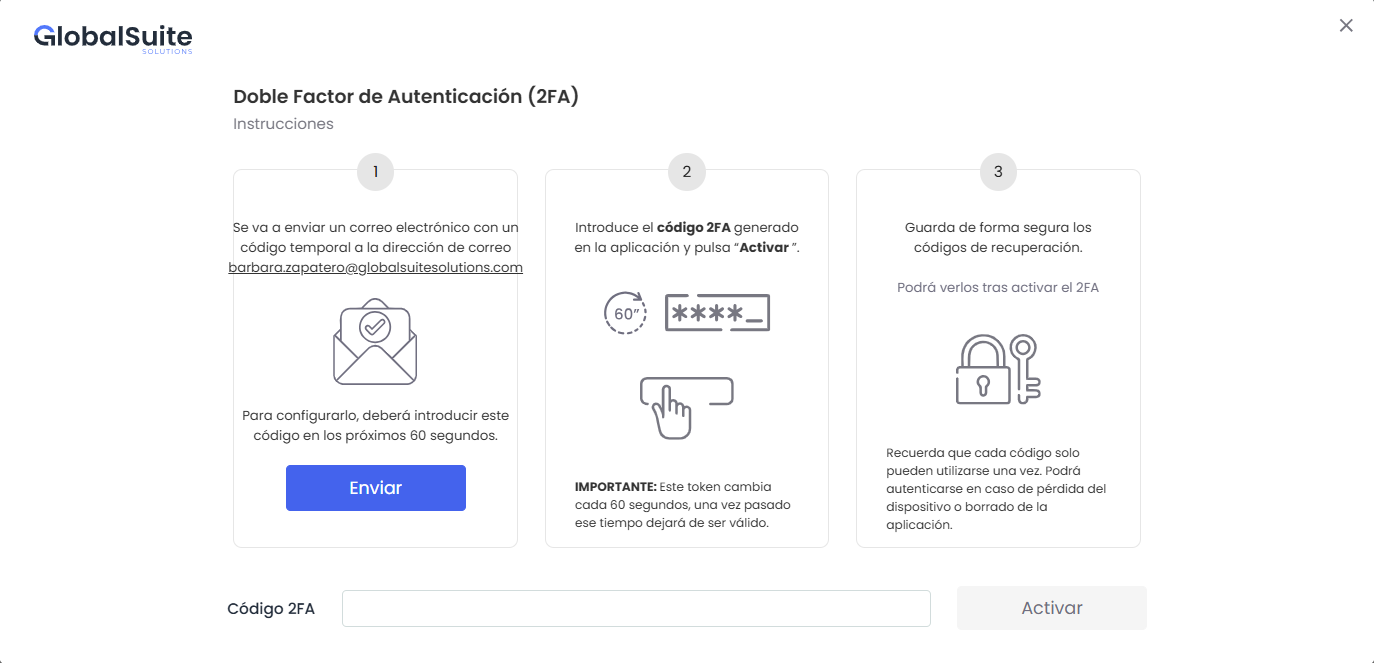
After the first sending, the option Resend the code is enabled, limited to a maximum of 3 resends per user within a 5-minute period.
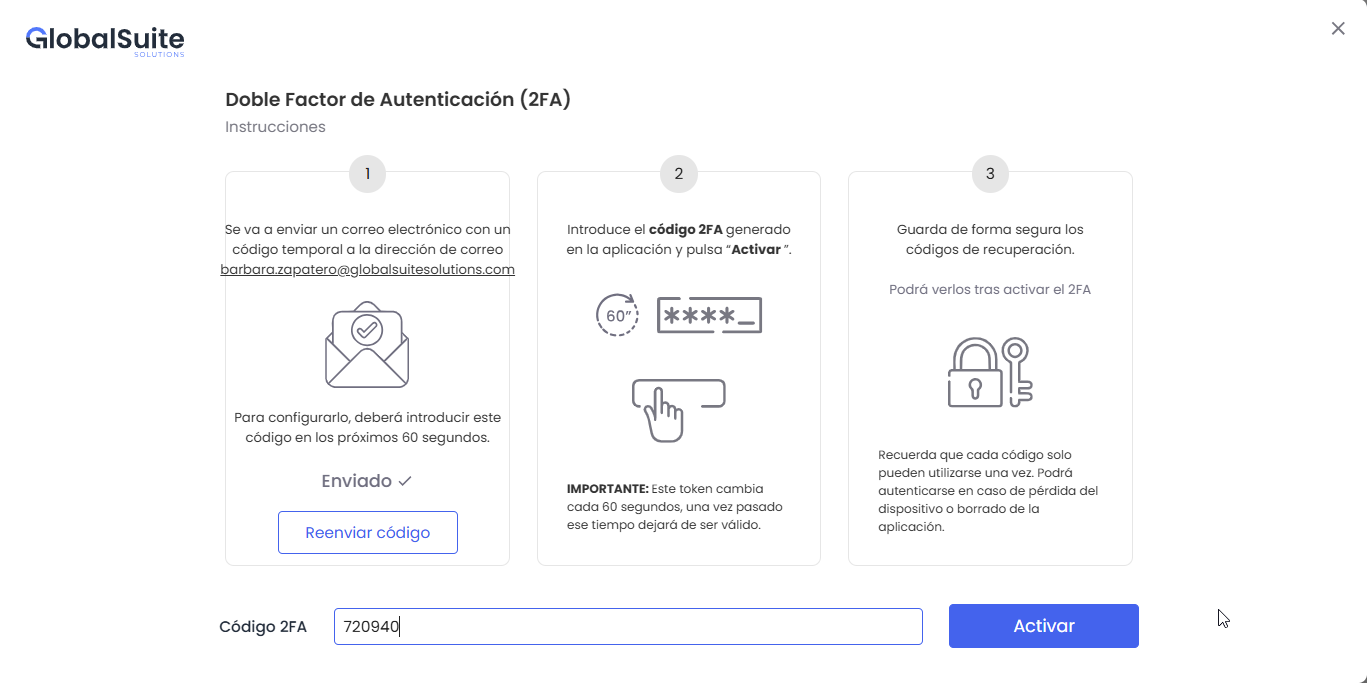
2. 2FA Activation: the user receives an email with the code, enters the received code in the “2FA Code” field, and clicks Activate. It will validate if the code is correct and not expired.
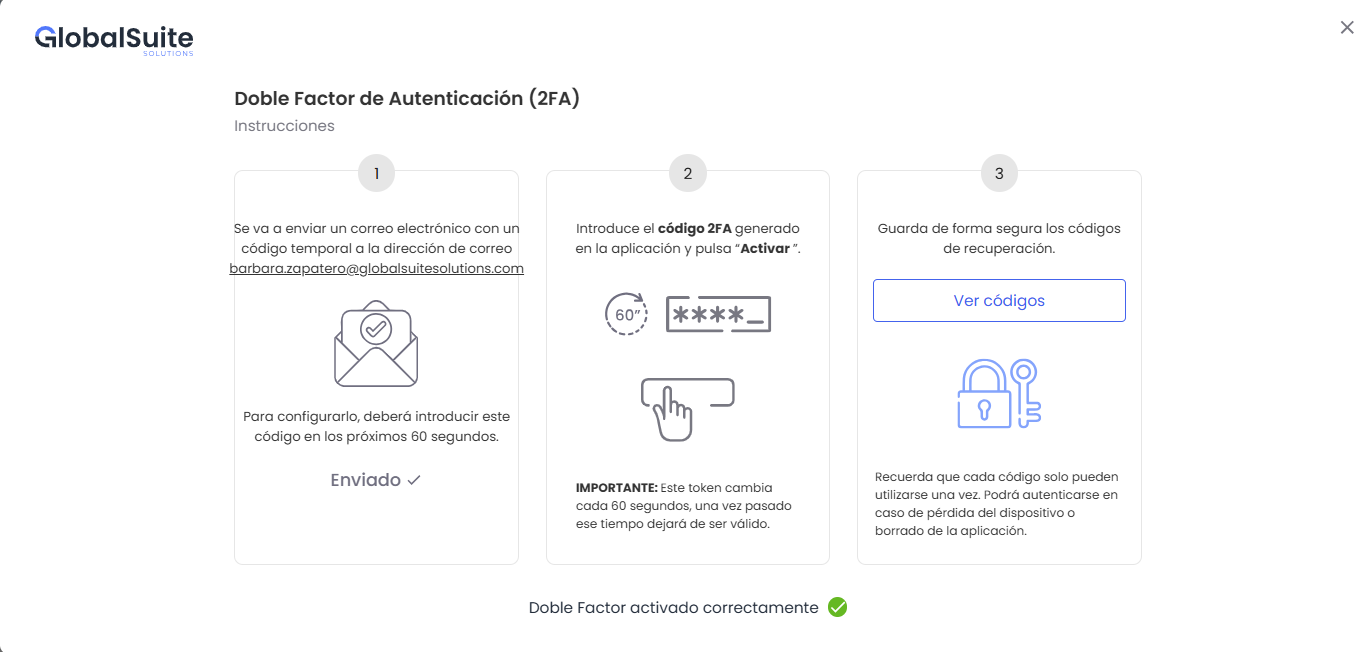
3. Recovery codes: these are displayed after activation to be securely stored and allow access in case of losing access to the email to receive new codes.
-
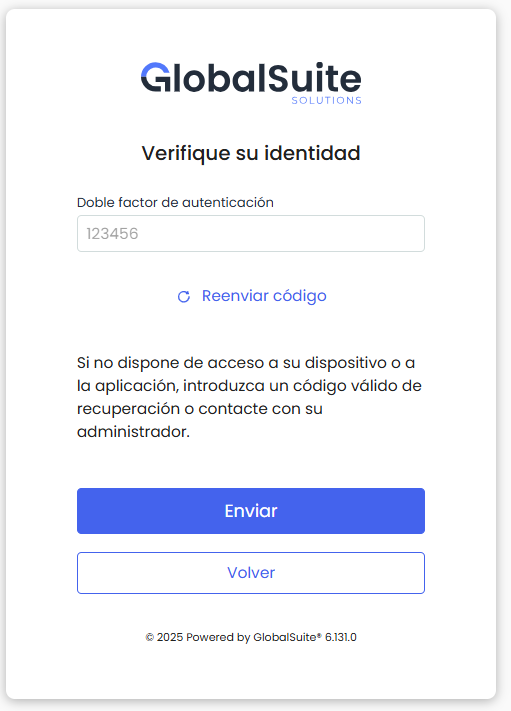
Once this mode is configured, every time you log in to the application (after entering the correct username and password), an email with the 2FA code will be automatically sent, which the user must enter to complete access.