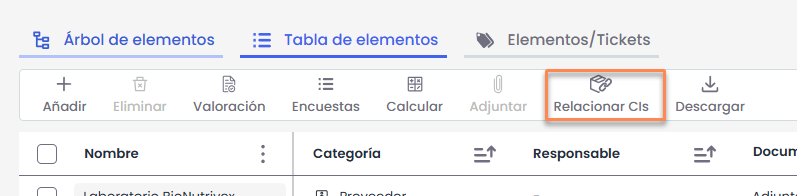
Allows relating the configuration items (CIs) registered in the CMDB with the items defined in the Item Inventory. A single inventory item can be composed of one or several configuration items.
By clicking “Relate CIs”, a window opens showing, on the left side, the Inventory items and, on the right side, the configuration items available in the CMDB.
Associations are made using the “Drag and Drop” (drag and drop) functionality. To do this, you must select a configuration item from the right table and drag it over the corresponding inventory item in the left table.
To remove an association, you need to select the associated configuration item (located as the second level within the inventory item in the left table) and drag it back to the right table.
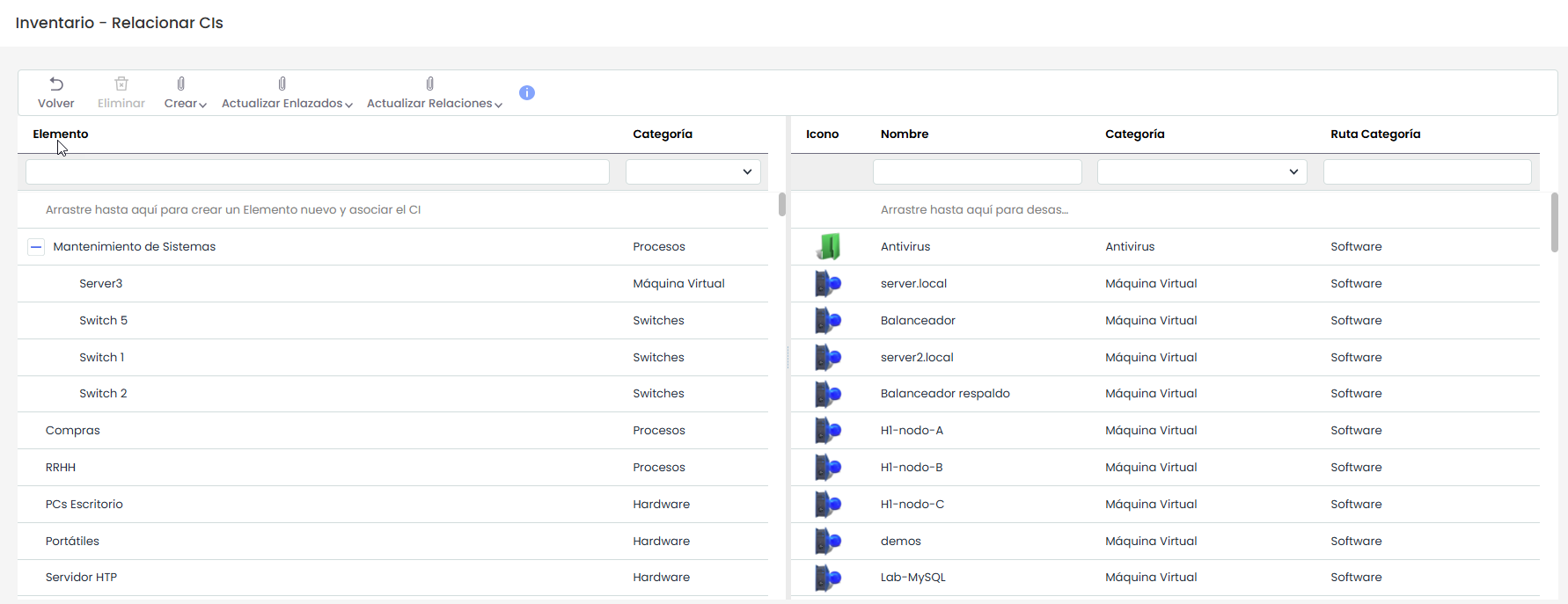
Below are the actions available in the tables.
Create
The “Create” button allows generating new relationships between Inventory items and configuration items (CIs), as well as automatically creating new items based on these relationships. It offers two options:
-
Items from CMDB: allows creating new items in the Inventory based on existing configuration items in the CMDB. Using this option, inventory items are generated based on the information of the selected CIs, also establishing the relationship between them.
-
CIs from Inventory: allows creating new configuration items in the CMDB based on items already existing in the Inventory. In this way, CIs can be registered based on inventory items that are not yet recorded in the CMDB, automatically linking them.
Update linked
The “Update linked” button allows synchronizing information between Inventory items and configuration items (CIs) that are already related. It offers two options:
-
CMDB CIs: updates the information of configuration items in the CMDB based on Inventory data. This option is used when changes have been made to inventory items and you want those changes to be reflected in the associated CIs.
-
Items: updates the information of Inventory items based on existing data in the CIs of the CMDB. In this way, any modifications made in the CMDB can be transferred to the already linked inventory items.
Update relationships
The “Update relationships” button allows synchronizing the structure of relationships (hierarchies and dependencies) between Inventory items and configuration items (CIs) in the CMDB. It offers two options:
-
Item Tree from CMDB: updates the hierarchical structure of Inventory items based on the relationships defined in the CMDB. This option replicates in the inventory the dependencies existing between the CIs, adjusting the item tree accordingly.
-
CMDB from Item Tree: updates the relationships between configuration items in the CMDB based on the structure defined in the Inventory. In this way, the dependencies configured in the item tree are transferred to the associated CIs.
These options allow keeping the relationships between both environments aligned, ensuring that both the CMDB and the Inventory reflect the same dependency structure.
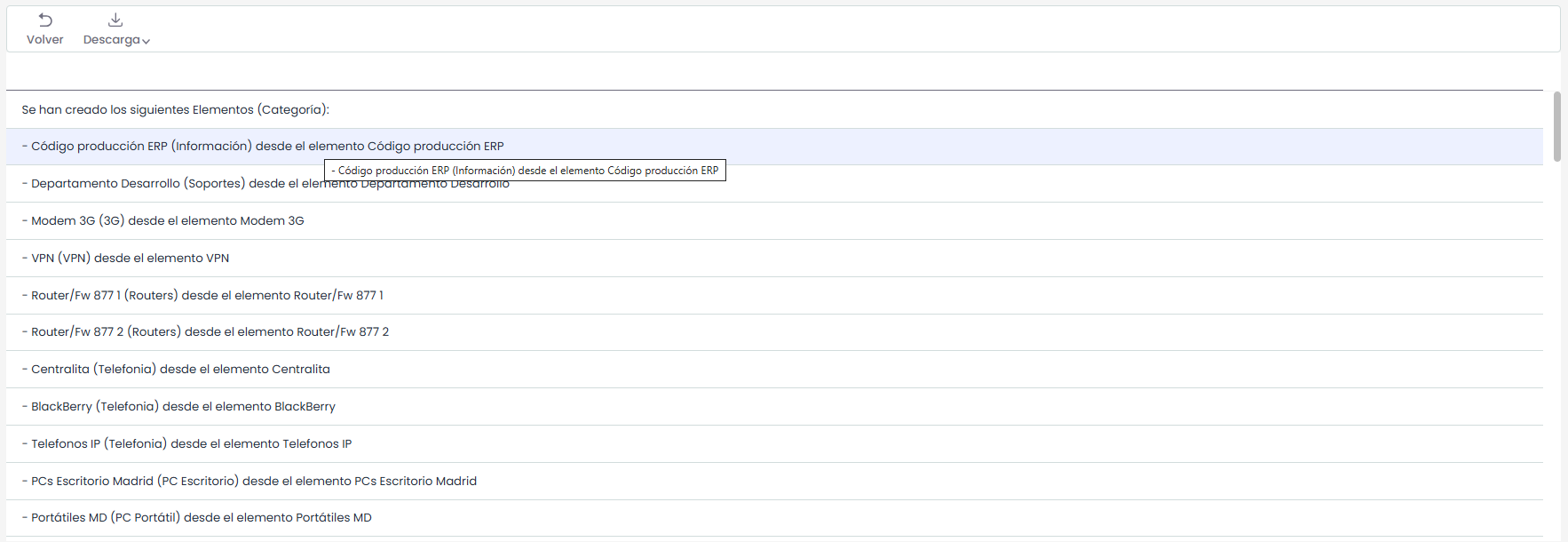
After executing any of the available options ( Create, Update linked, or Update relationships), the application displays a result screen detailing the changes made.
This view presents an execution log, listing all actions carried out by the system, indicating the affected items and the operations performed in each case.
This screen allows validating the process result and additionally offers the possibility to download the result list, facilitating its review or further processing outside the tool.