

-
GRC
-
Assets
-
Suppliers
-
Users, roles, and employees
-
Security
Description
This connector allows loading and updating information from other reading connectors (Source) into different sections of GlobalSuite GRC.
Specifically, there are 3 use cases modeled to load information into GlobalSuite:
-
Users, employees, and roles: Allows loading information about people and groups such as users accessing GlobalSuite, employees of the management system, and associated roles.
-
Assets: Used to load corporate asset information into the Inventory section and load their assessments as dimensions of the Element Methodology.
-
Suppliers: Allows loading suppliers and third/fourth parties from external systems and uploading them as Suppliers, including their assessment or scoring.
Features
-
Direct integration: from external systems to GlobalSuite GRC.
-
Dynamic field mapping: connects fields from different sources with configured fields in various sections of the solution.
-
Secure authentication: Secure information with API keys and secure TLS connections.
-
Pre-data validation to maintain system integrity and avoid errors.
-
Traceability and logs of each synchronization.
Key benefits
-
✅ Centralizes key information from other platforms into a single GRC solution.
-
✅ Saves time by reducing manual data entry tasks.
-
✅ Improves accuracy by avoiding outdated or duplicate information.
-
✅ Accelerates analysis and decision-making by having all information available.
-
✅ Increases traceability and transparency in audits or reviews.
-
✅ Boosts automation in compliance, risk, security, and continuity workflows.
Installation
-
Access the Marketplace of GlobalSuite® and install the "GlobalSuite Sink" connector.
-
Go to Configuration and complete the necessary information, including:
-
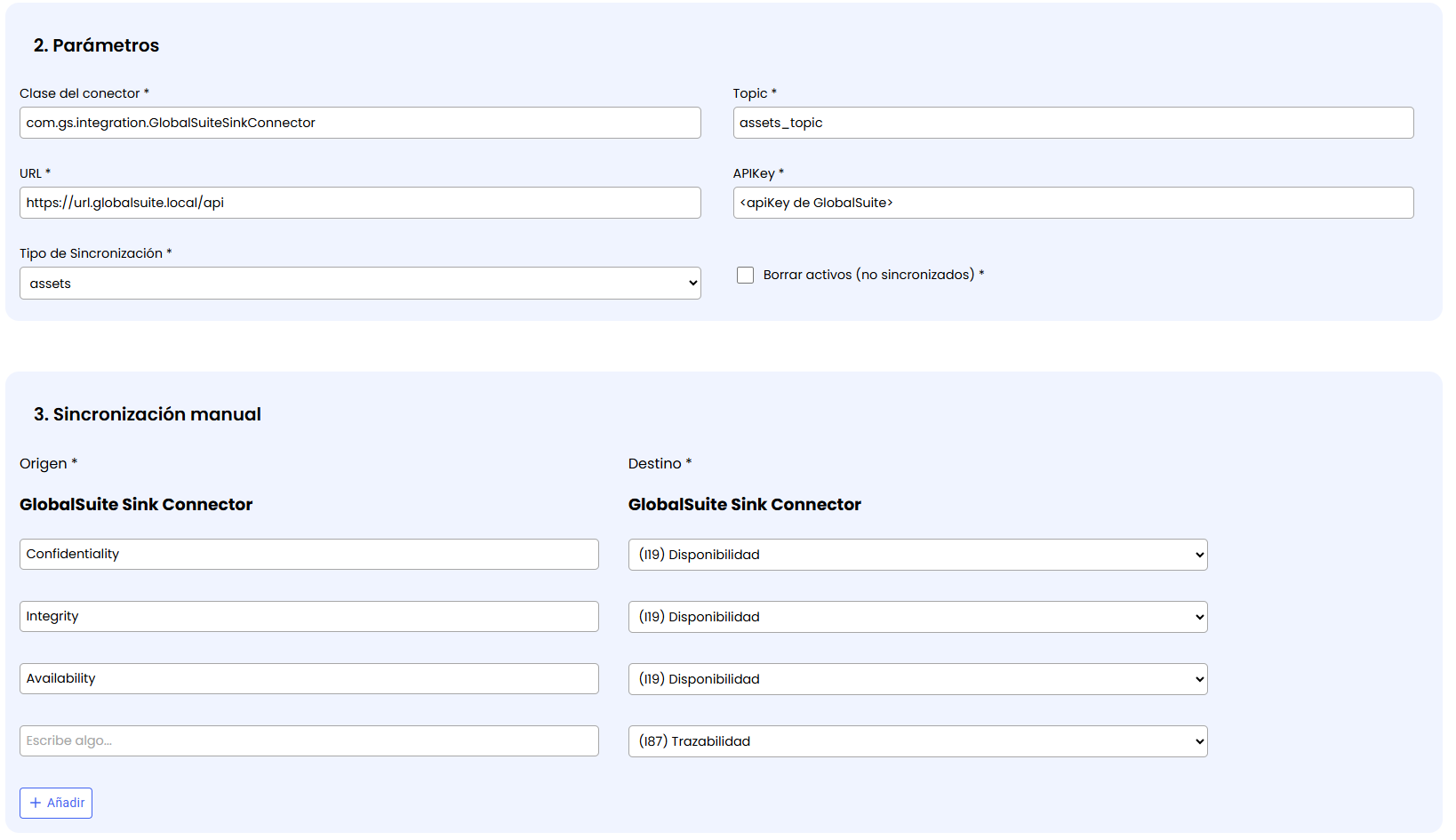
Topic: Identifier of the source from which data must be obtained to synchronize in GlobalSuite.
NOTE: This topic must match one of the Source connectors that read information from external tools. -
URL: The URL of the GlobalSuite environment where it will write.
-
APIKey: API usage key defined in GlobalSuite, in the Settings > Users > API-Key section.
-
Synchronization Type: Indicates what information will be written. Currently, it is possible to load Assets, Users, or Suppliers.
-
Field mapping: It is possible to choose which field from the source (indicated in the Topic) corresponds to which field in the GlobalSuite section where the information will be loaded.
This particular configuration and specific parameters depend on the selected Synchronization Type:
Assets
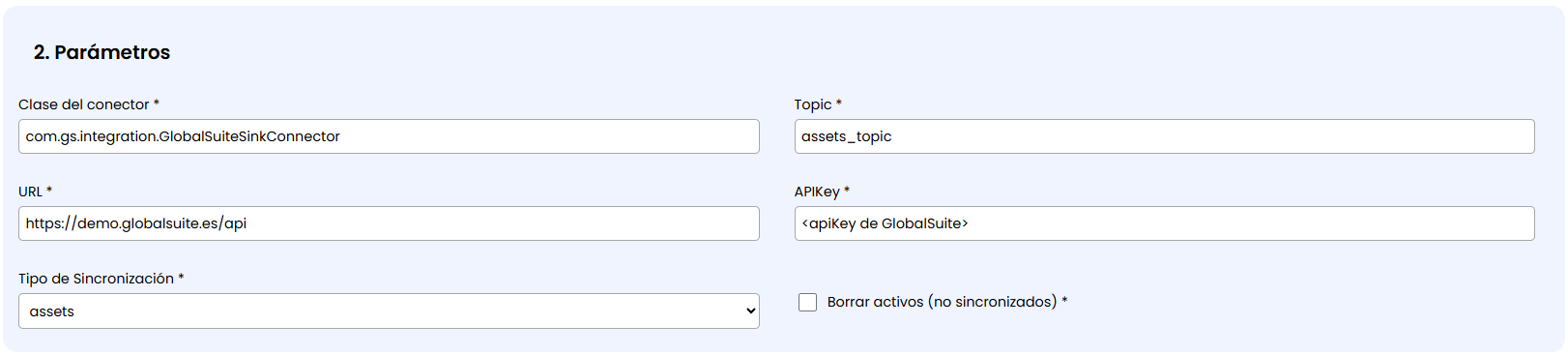
If this synchronization type is selected, the option “ Delete assets (not synchronized)” appears. If checked, the elements in the GlobalSuite Inventory that are not synchronized from the source will be automatically deleted.
It is important to check this field only if you want to manage in GlobalSuite the assets synchronized from the connector, as otherwise, information in the management system may be lost.
If the checkbox is not checked, the elements that do not exist in the synchronization will remain in GlobalSuite but will be marked with a prefix “(Inactive)” in the name.
When this connector is configured for this type, the field mapping allows choosing in which dimension of the Element Methodology of the Inventory each source field will be stored.
Suppliers
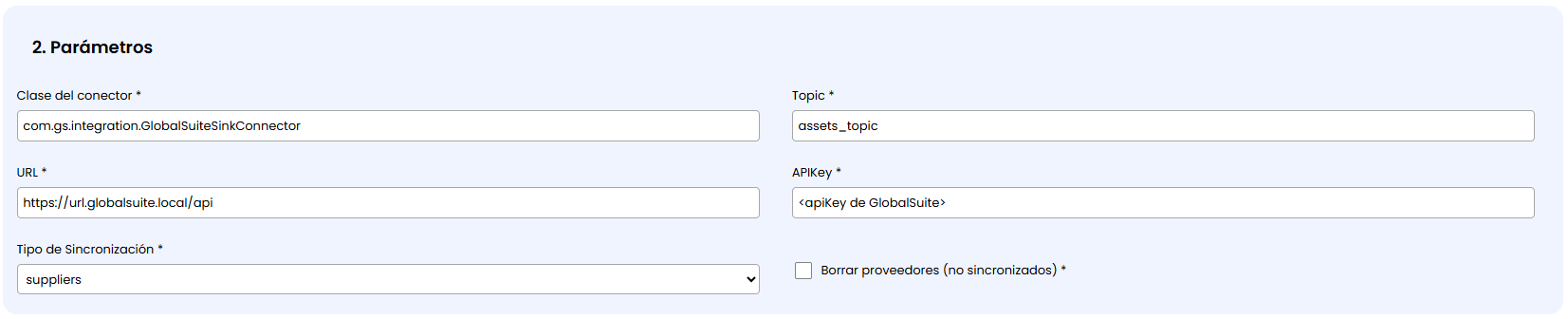
As with assets, if this synchronization type is selected, the option “ Delete suppliers (not synchronized)” appears. If checked, the elements in the GlobalSuite Inventory that are not synchronized from the source will be automatically deleted.
It is important to check this field only if you want to manage in GlobalSuite the suppliers or third parties synchronized from the connector, as otherwise, information in the management system may be lost.
If the checkbox is not checked, the suppliers that do not exist in the synchronization will remain in GlobalSuite but will be marked with a prefix “(Inactive)” in the name.
When this connector is configured for this type, the field mapping allows choosing in which dimension of the Element Methodology of the Inventory each source field will be stored. Also, in which fields of the Supplier Configuration parameters coming from the synchronization can be stored.
Users
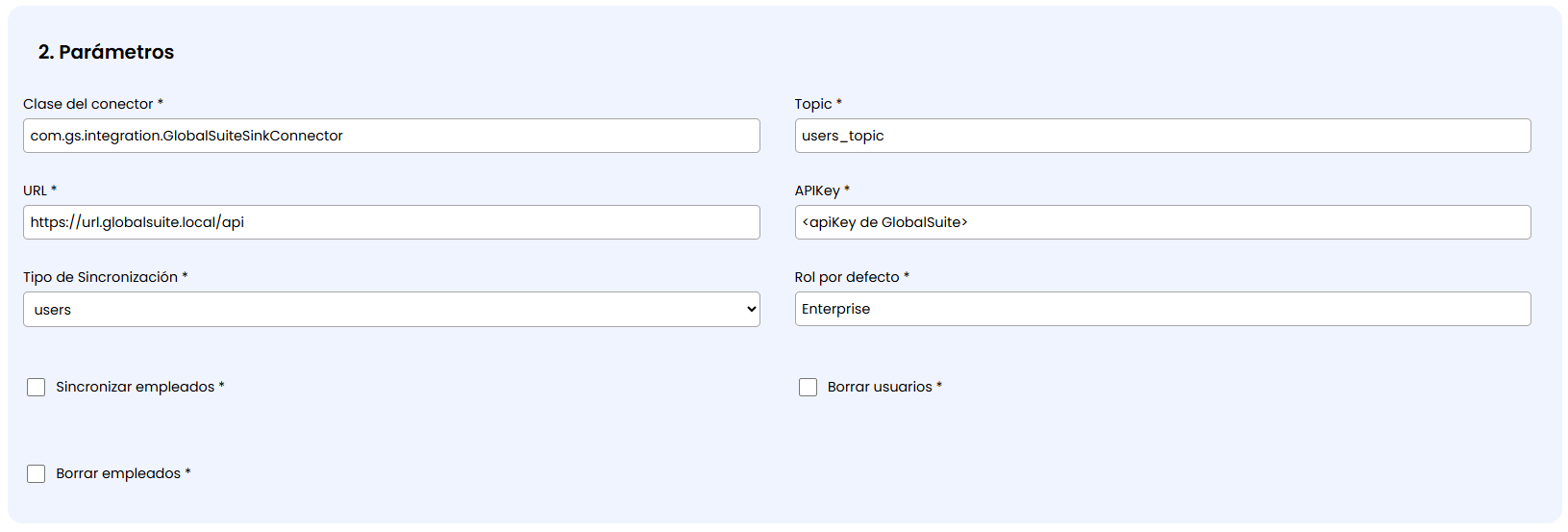
When this Synchronization Type is selected, the following parameters can be chosen:
-
Default role: which user role will be assigned by default to the people synchronized in GlobalSuite.
-
Synchronize employees: If checked, an employee associated with the same personal data will also be created in addition to the user.
-
Delete users (not synchronized): If checked, users that no longer appear in the synchronization will be removed from GlobalSuite.
-
Delete employees (not synchronized): Similarly, employees that do not appear in the synchronization will be completely removed, and if not checked, they will be marked as “Inactive”.
-
Define the synchronization frequency (daily, weekly, monthly).
A start day for synchronization and a repetition frequency can be indicated:
Daily: Synchronization will run uninterruptedly every day, with the option to choose how many hours apart it runs.
Week: You can select which days of the week the connector synchronization will run.
Monthly: It will run every month on the same day of successive months starting from the synchronization start date.

-
Save and activate the synchronization.
NOTE: Activating the integration will immediately launch it to continue with the frequency indicated in the configuration.
There is the possibility to test the synchronization with a test environment before moving to production. Ask your GSS contact person for more information.