
The GlobalSuite Integrations Marketplace is a solution that allows connections with third-party commercial tools or proprietary corporate applications, even if they do not have standard mechanisms for intercommunication, such as APIs, web services, or webhooks, as it provides direct connection to Databases.
Access to the Marketplace
To access the Integrations Marketplace, your GlobalSuite instance must have the license activated for it.
Available in the Enterprise version or higher versions.
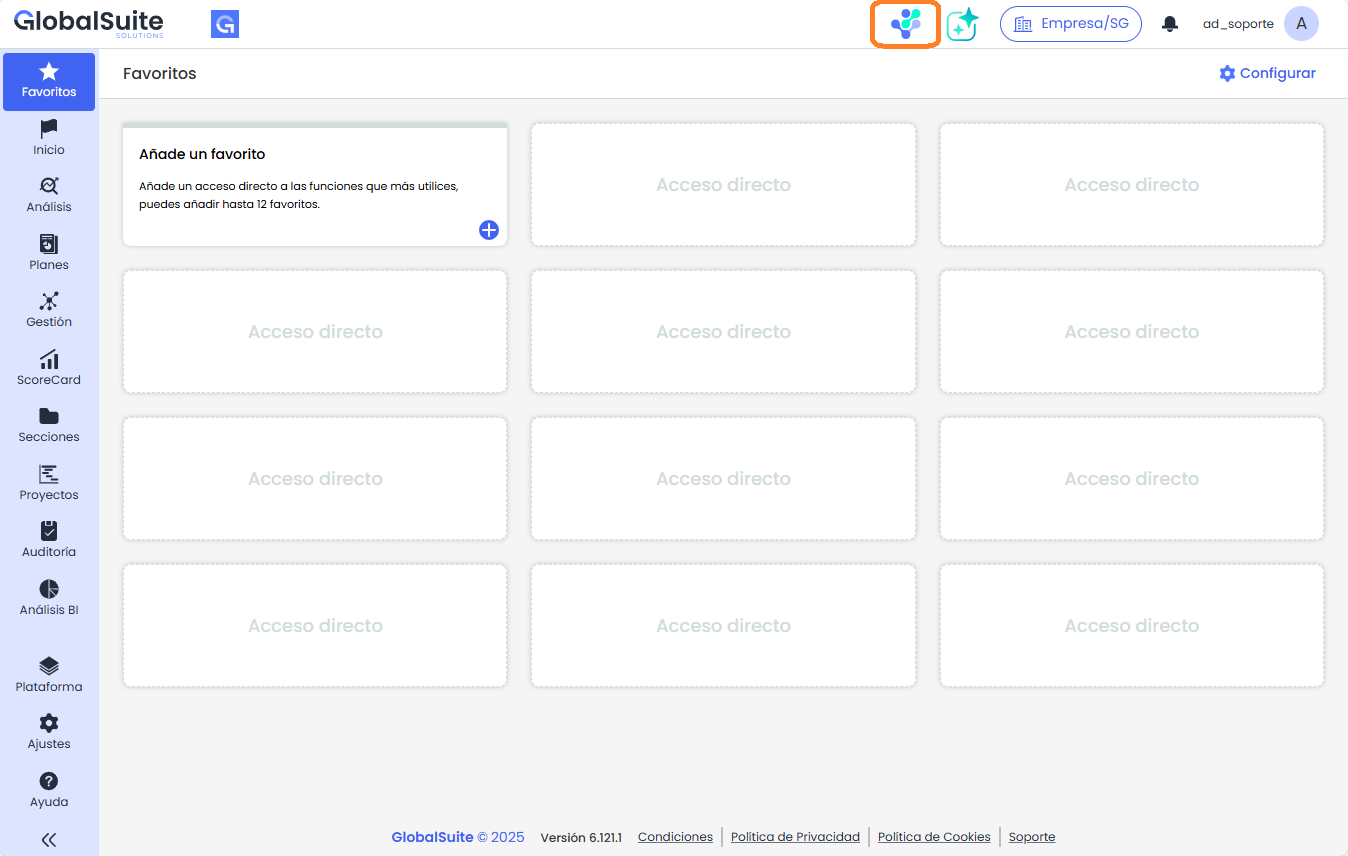
Once activated, you can access it directly by clicking on the icon that appears at the top of GlobalSuite.
It is also possible to log in directly from the marketplace's login screen ( https://marketplace.apps.globalsuitesolutions.com/) using the same credentials as your GlobalSuite GRC user.
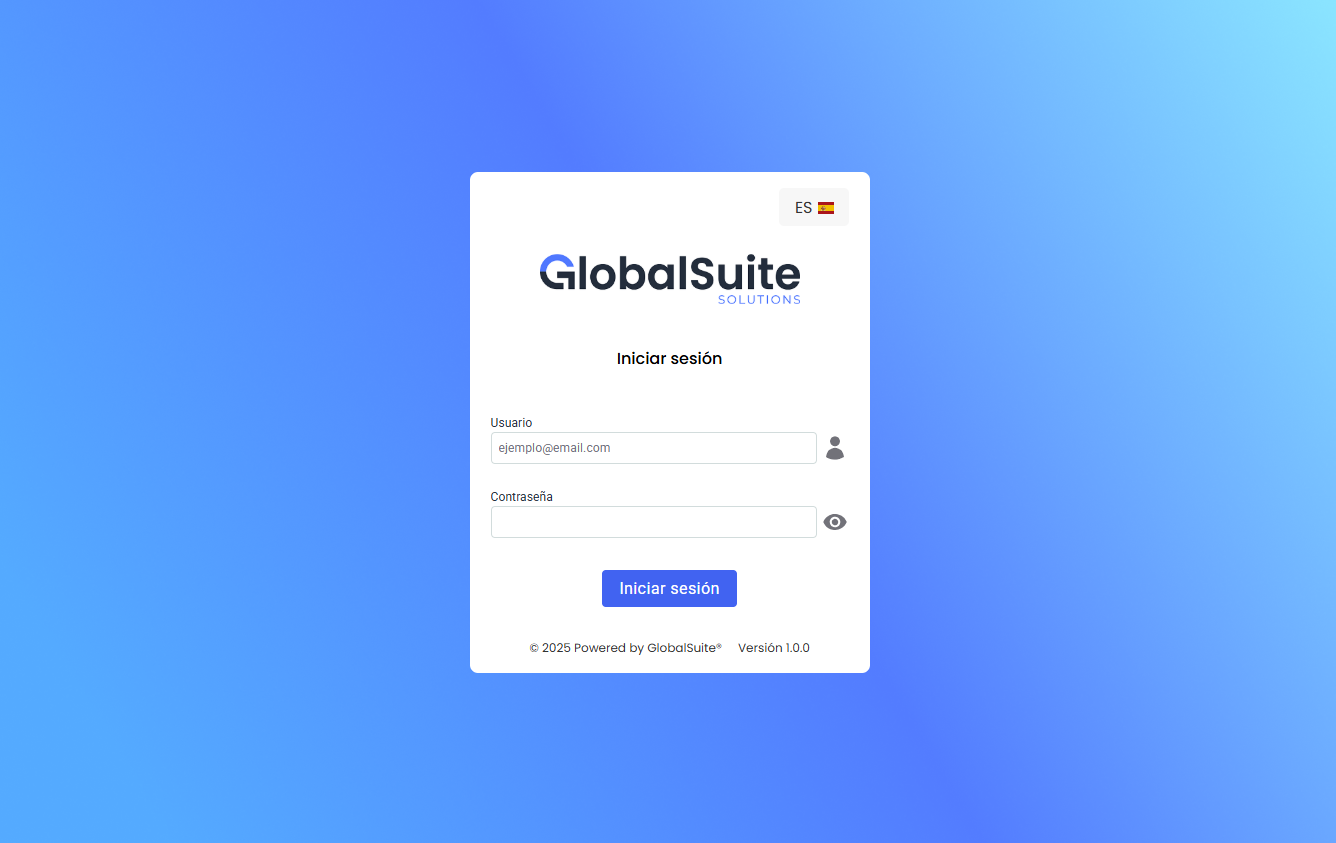
If your user is not enabled to access the Marketplace (see section Users), an error message will be displayed.
How to configure and activate a Connector
Within the Home screen, there is a catalog of available connectors. To configure a new connector, follow these steps:
-
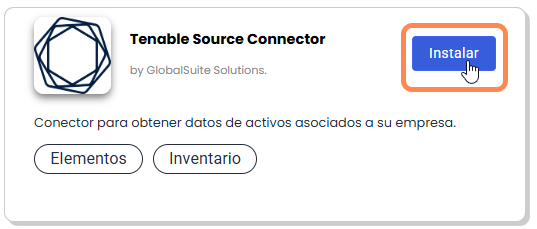
Choose the connector and click on Install to access its details.
-
Within the details of a connector, where you can see its features and installation method, click on the Install Now button.
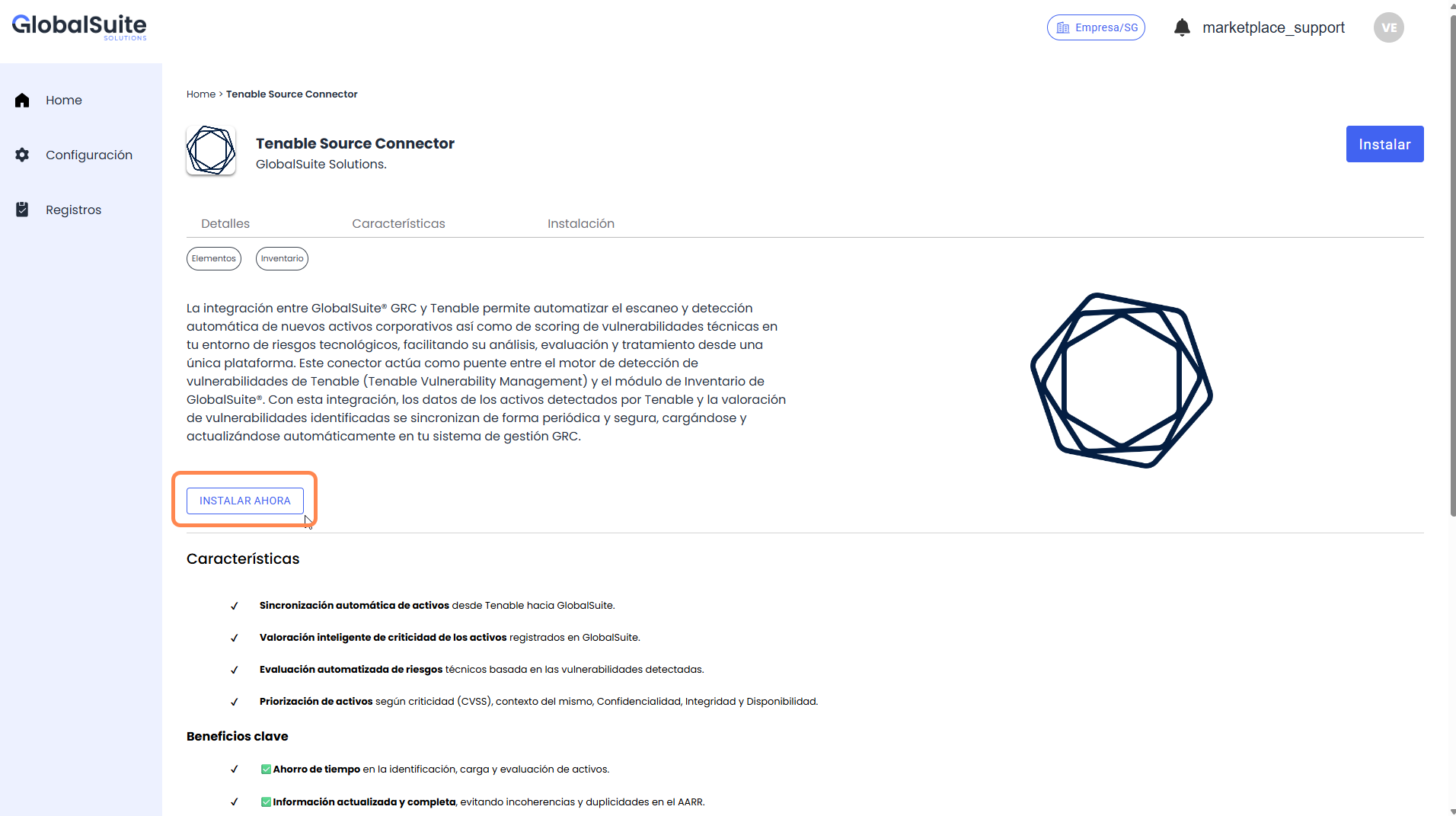
NOTE: If you already have a synchronization created for this connector, it will appear in this section so you can modify/delete it.
-
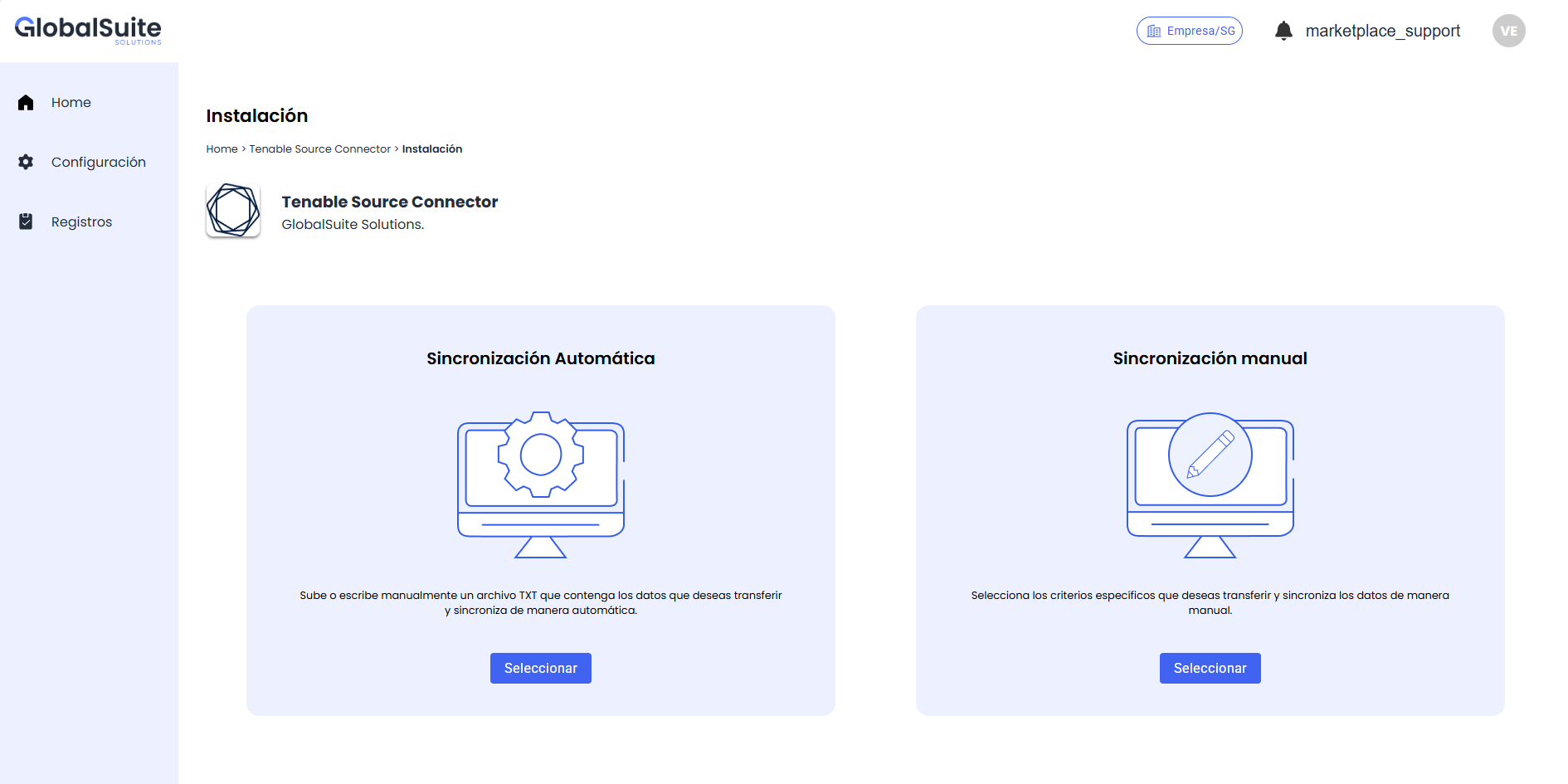
In this step, you need to choose which type of configuration to use:
-
Automatic synchronization: Used to directly load a pre-defined configuration in JSON format.
-
Manual synchronization: Allows configuration through a guided form, including the necessary fields for synchronization, such as authentication mechanisms, mappings, update frequency, etc.
-
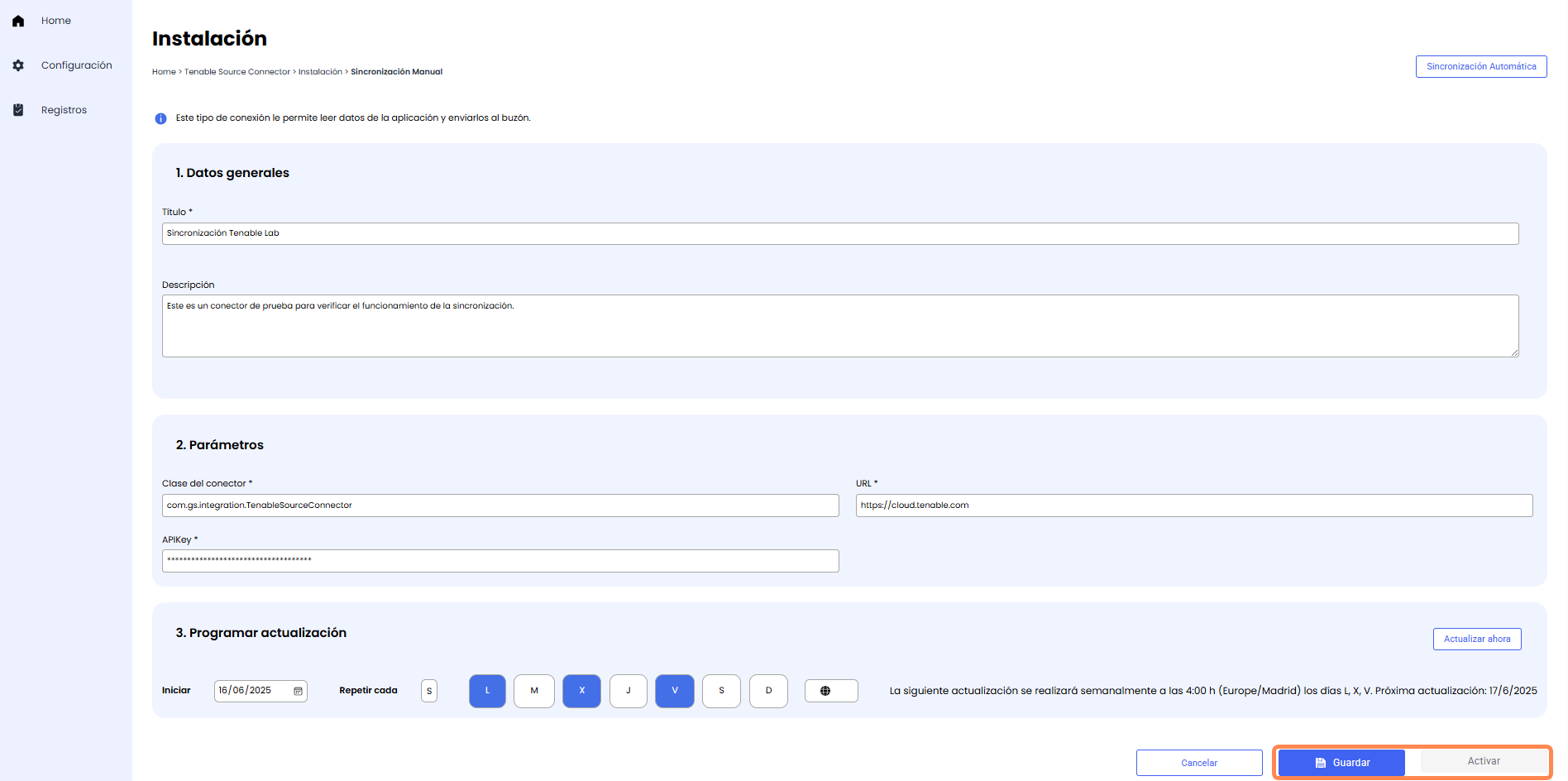
Once the synchronization fields are completed (application URL, API-Key, synchronization frequency, etc.), the changes must be saved to enable synchronization activation.
-
Once Activated, the created synchronization will appear in the Connector details.
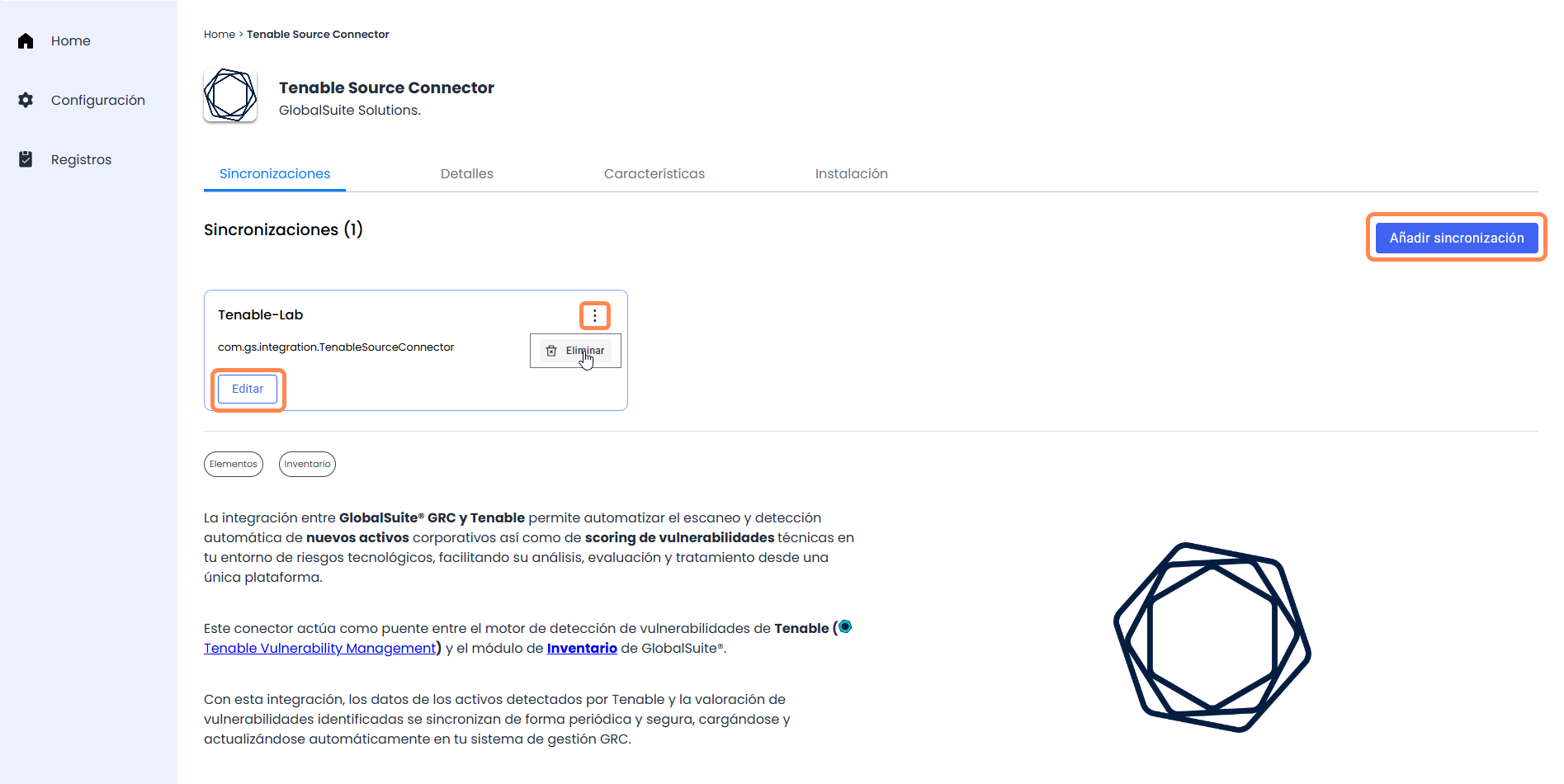
You can use the Edit button to access the created synchronization and modify a parameter, directly delete the synchronization by clicking on the Delete button in the contextual menu, or add another synchronization of the same type using the Add Synchronization button (as multiple synchronizations of the same connector type can coexist actively).
Available Connectors

Tenable |

Security Scorecard |
Active Directory |
LDAP |

Privacy Data Protection |

MariaDB |
MySQL |

MongoDB |
Syslog |

GlobalSuite |
More information and custom connectors
The goal of the GlobalSuite Marketplace is to continue expanding the interoperability of GlobalSuite® with other corporate applications, allowing the centralization and automation of all relevant information to facilitate GRC management. Among the following connectors to be included are:
-
Ticketing and incident management tools (Jira, ServiceNow…)
-
Document repositories and cloud storage (Google Drive, Sharepoint…)
-
Communication applications and messaging (MS Teams, Slack…)
-
ERP / CRM solutions (SAP, Salesforce…)
You can see upcoming updates in the GlobalSuite Changelog
If you need a specific use case for your company or support to carry out the integration, contact your GSS sales representative.
Solution Structure
Once inside the Marketplace, it is structured into different parts that can be reviewed in detail on the following pages of the manual: