
In this section, you can manage which GlobalSuite users are authorized to access the Integrations Marketplace, being able to add or revoke user access at any time.
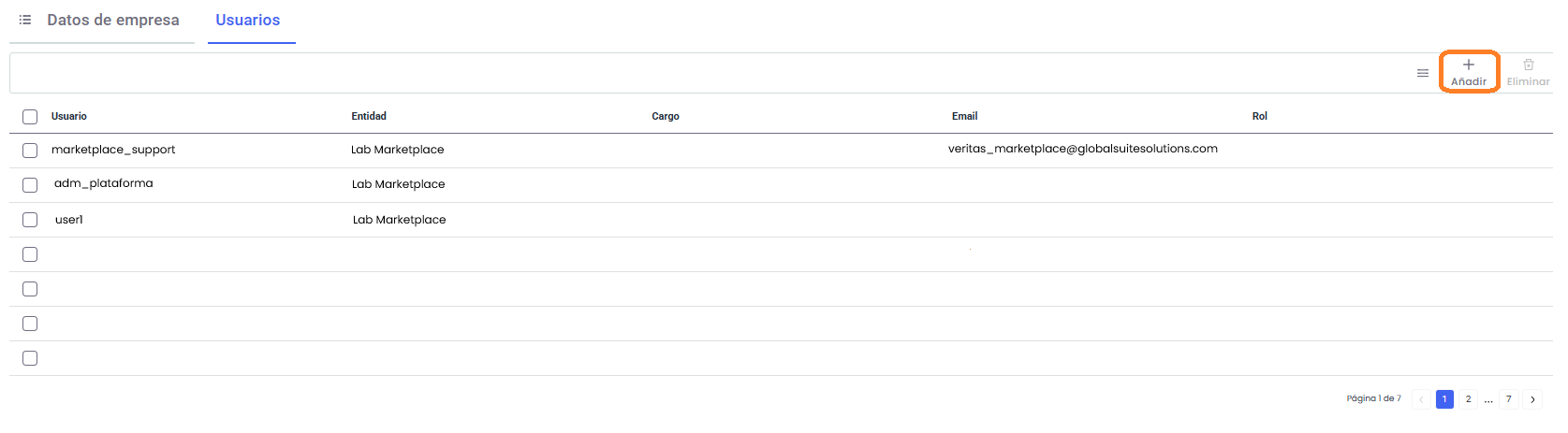
To associate new users, you must click the Add button on the top bar, while if you want to remove a user, you need to select them in the table and click the Delete button (the button remains disabled until a user is selected for removal).
NOTE: If a user is removed from GlobalSuite or deactivated, they will also immediately lose access to the Integrations Marketplace.