
This synchronization mechanism allows loading the necessary information and parameters to activate the connector directly, in a structured JSON format.
Typically, this form of synchronization is used to restore already created synchronizations or to load synchronizations tested in a lab or pre-production environment and are to be loaded definitively.
If you are not familiar with how to configure a connector, it is recommended to use the Manual Synchronization.
In this section, the synchronization form consists of a single field where the connector configuration can be copied:
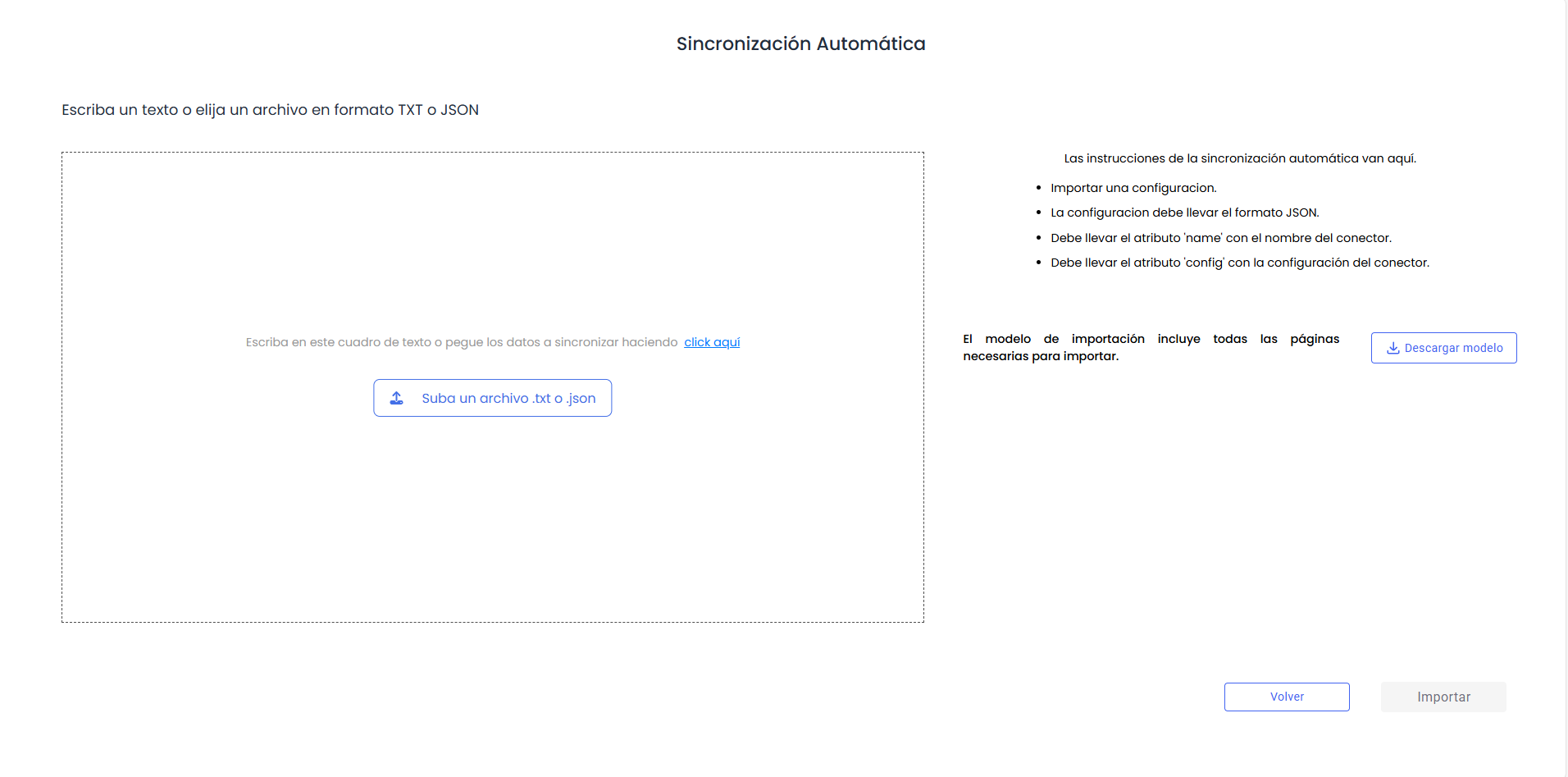
In this field, it is possible to drag files in txt (plain text) or json format with the connector parameters.
It is also possible to paste from another source using Ctrl+V or by clicking on the click here link, which reads and pastes the system clipboard.
At any time, it will be possible to cancel the activation of the connector by pressing the Back button.
Once the connector JSON is available, the Import button will be activated to create the connector.
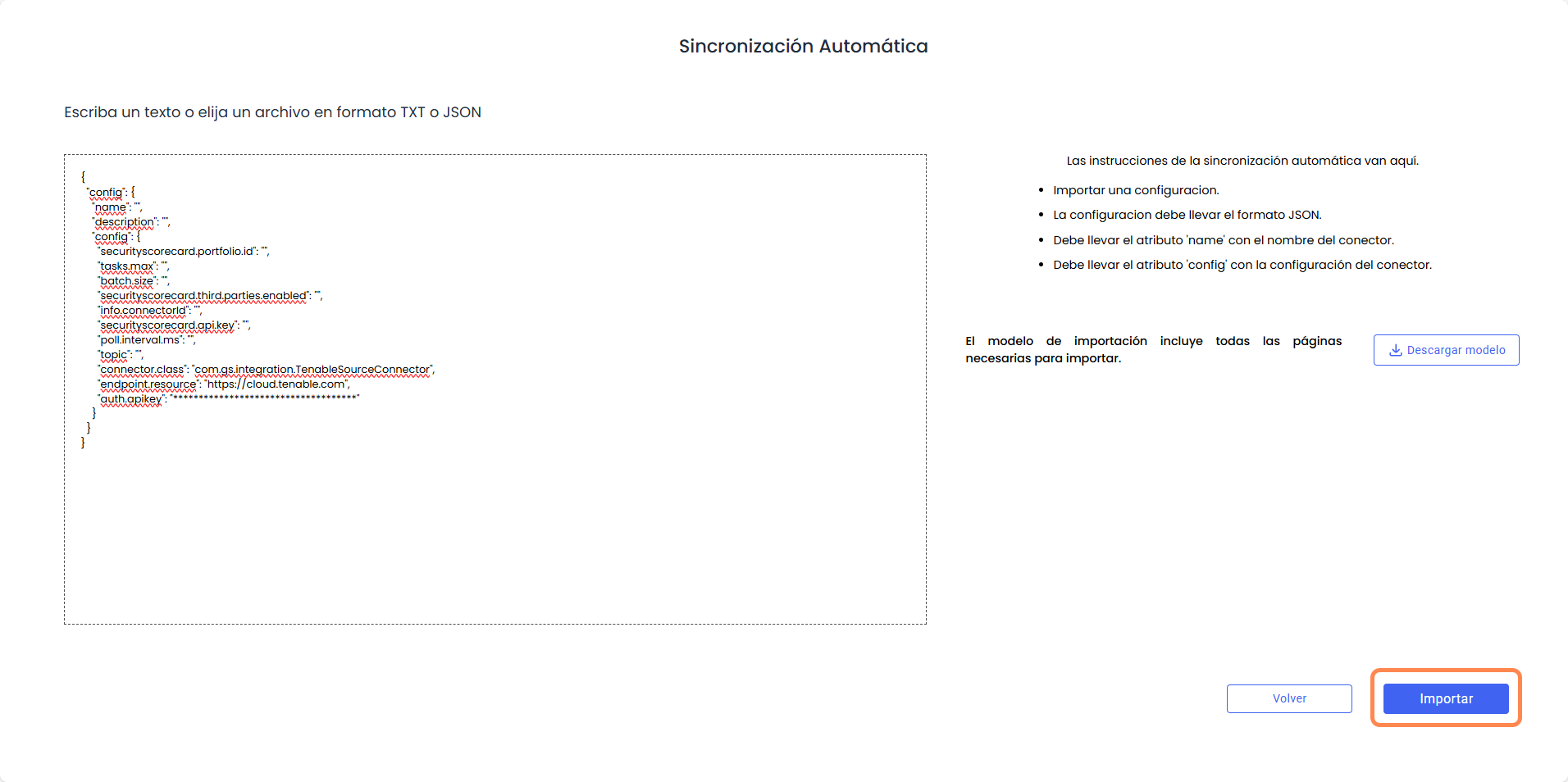
As an auxiliary option, there is a Download model button that downloads a .txt file to the user's system with an example of the structure and parameters needed by the connector, which must be completed.
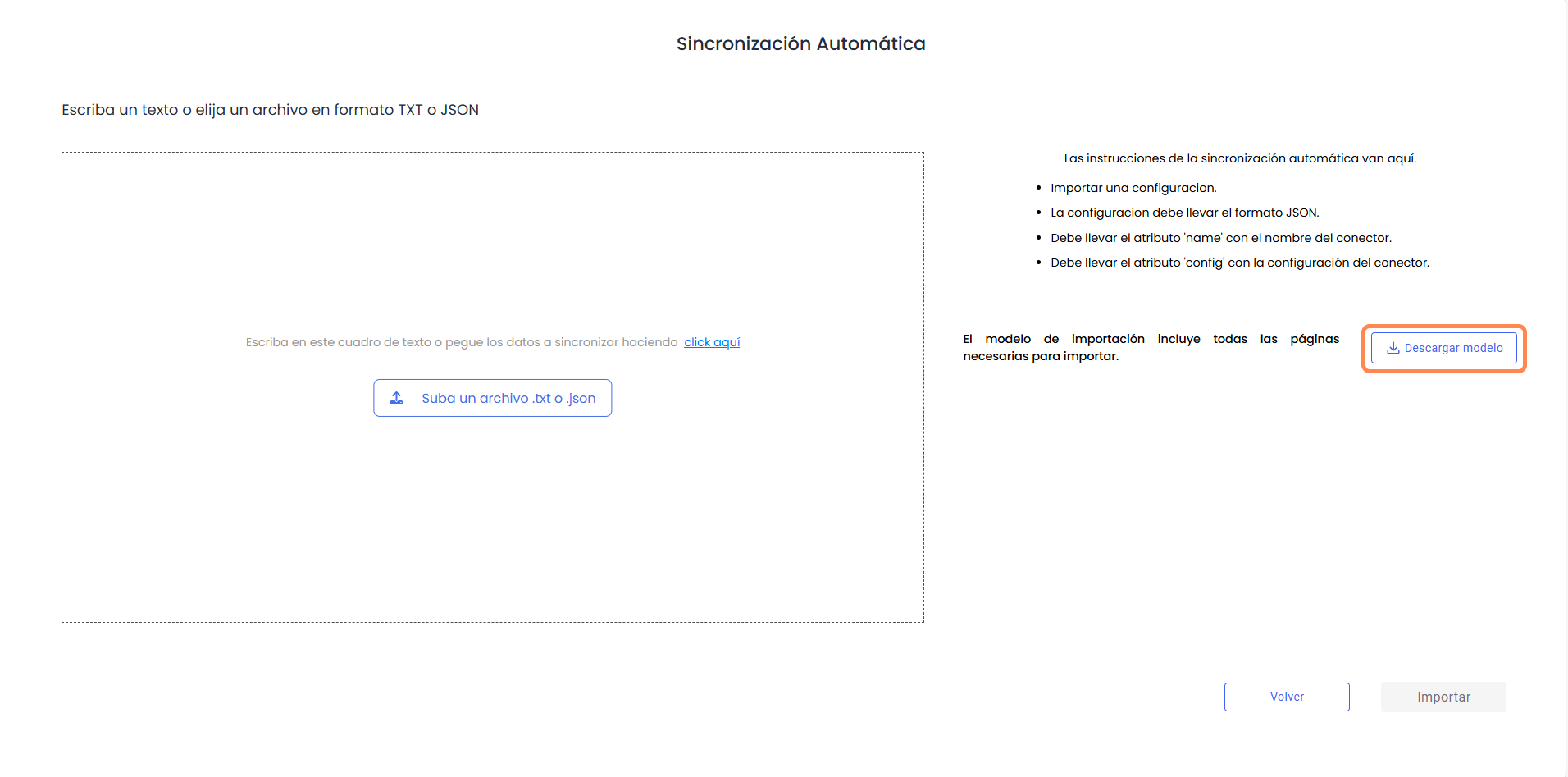
Tenable connector example:
{
"config": {
"name": "",
"description": "",
"config": {
"securityscorecard.portfolio.id": "",
"tasks.max": "",
"batch.size": "",
"securityscorecard.third.parties.enabled": "",
"info.connectorId": "",
"securityscorecard.api.key": "",
"poll.interval.ms": "",
"topic": "",
"connector.class": "com.gs.integration.TenableSourceConnector",
"endpoint.resource": "https://cloud.tenable.com",
"auth.apikey": "************************************"
}
}
}