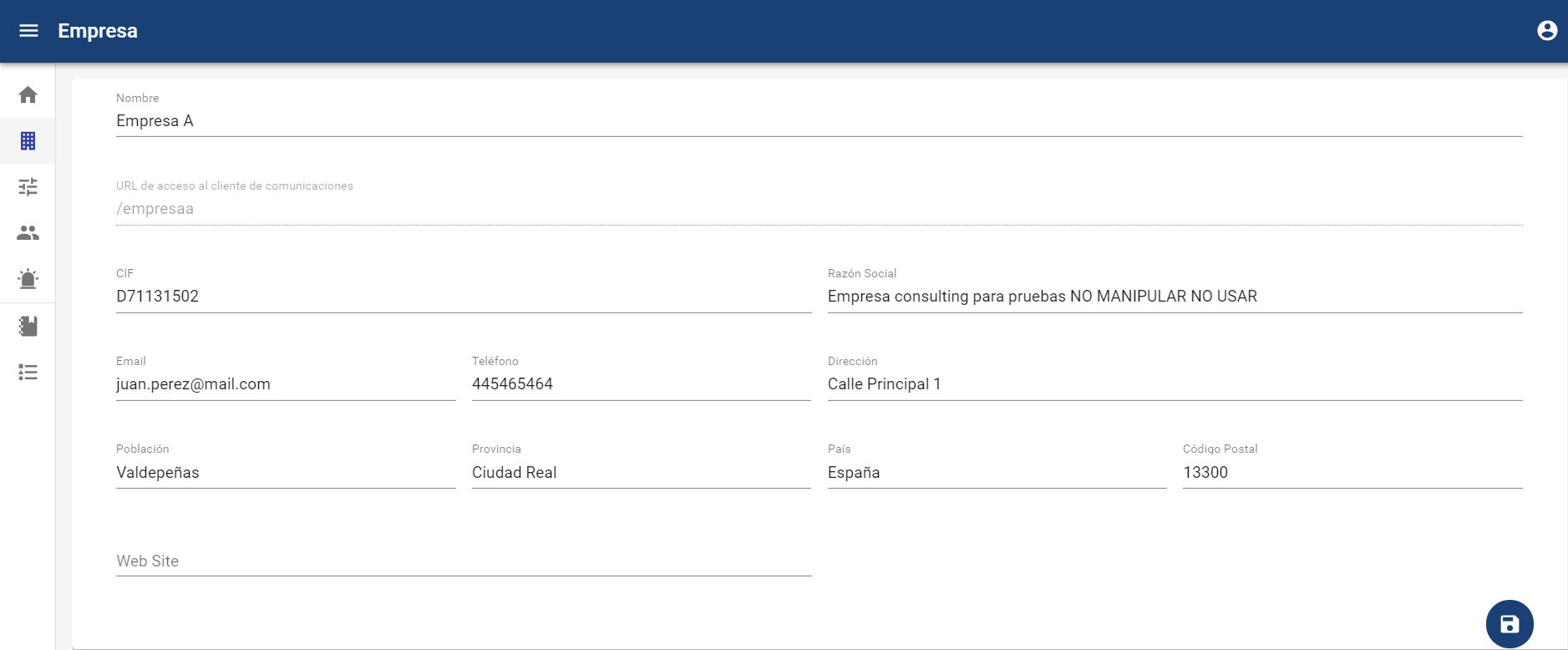
NOTE: This option is available for Global Administrator, Administrator, and Consulting users. Consulting users will only see within this option those companies to which they have been granted access; by default, none.
In this tab, we can manage all companies, access them, their configurations, and their users. There are two types of companies:
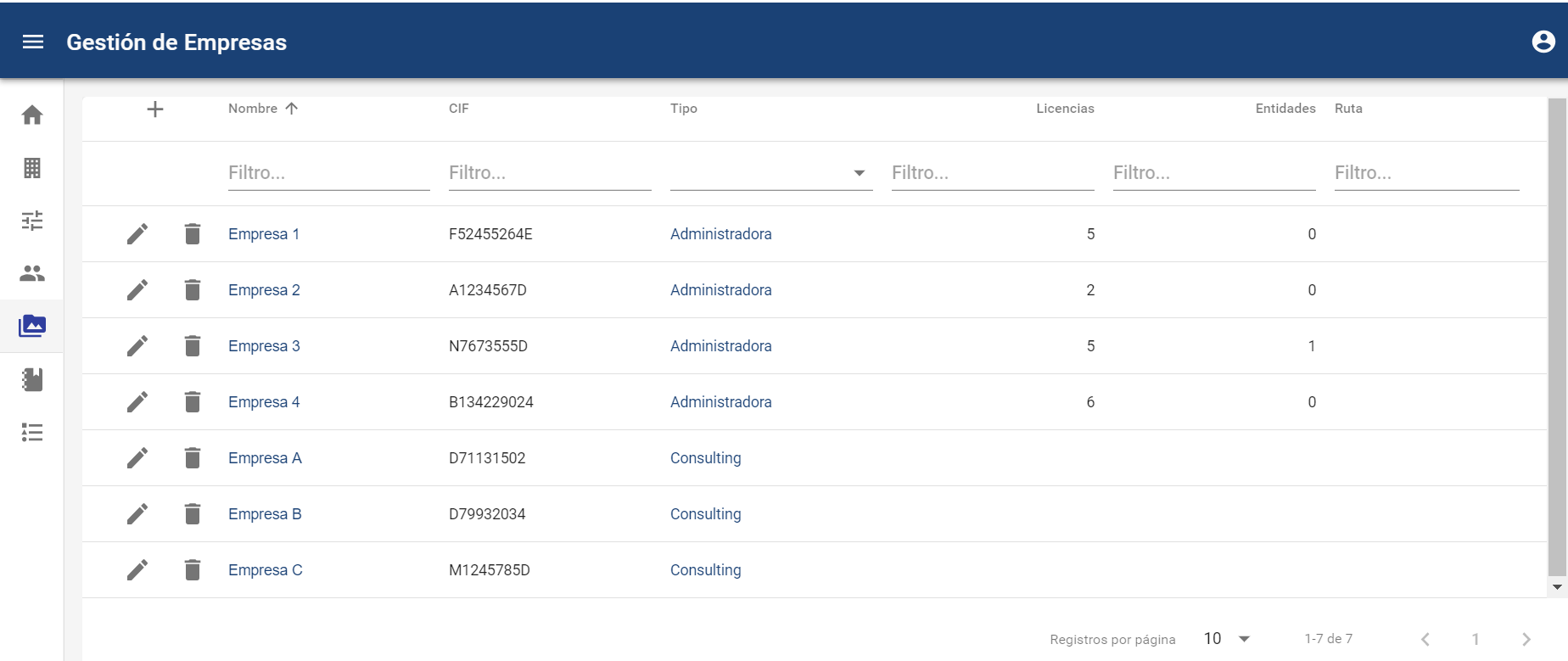
Specifically, to see an example of both types of companies, the following images show how they are created:
-
Company name (mandatory)
-
CIF is the tax identification code (mandatory)
-
Corporate name.
-
Type, it is the type of company (Administrator or Consulting) (mandatory)
-
The administrator company can have companies below it and therefore have licenses.
-
Licenses are the number of companies you can create below.
-
Entities are the number of licenses you have already used.
-
-
-
Email (mandatory)
-
Phone (mandatory)
-
Address, City, Province, Country, Postal Code
Administrator Companies
They can be created with specific licenses that, once created, cannot be modified. We can create new companies based on the number of contracted licenses, being able to create Administrator-type and Consulting-type companies. Creating a new Administrator company will allow us to hierarchically create new channels for management or new Administrator companies to subcontract or divide the management of these channels.
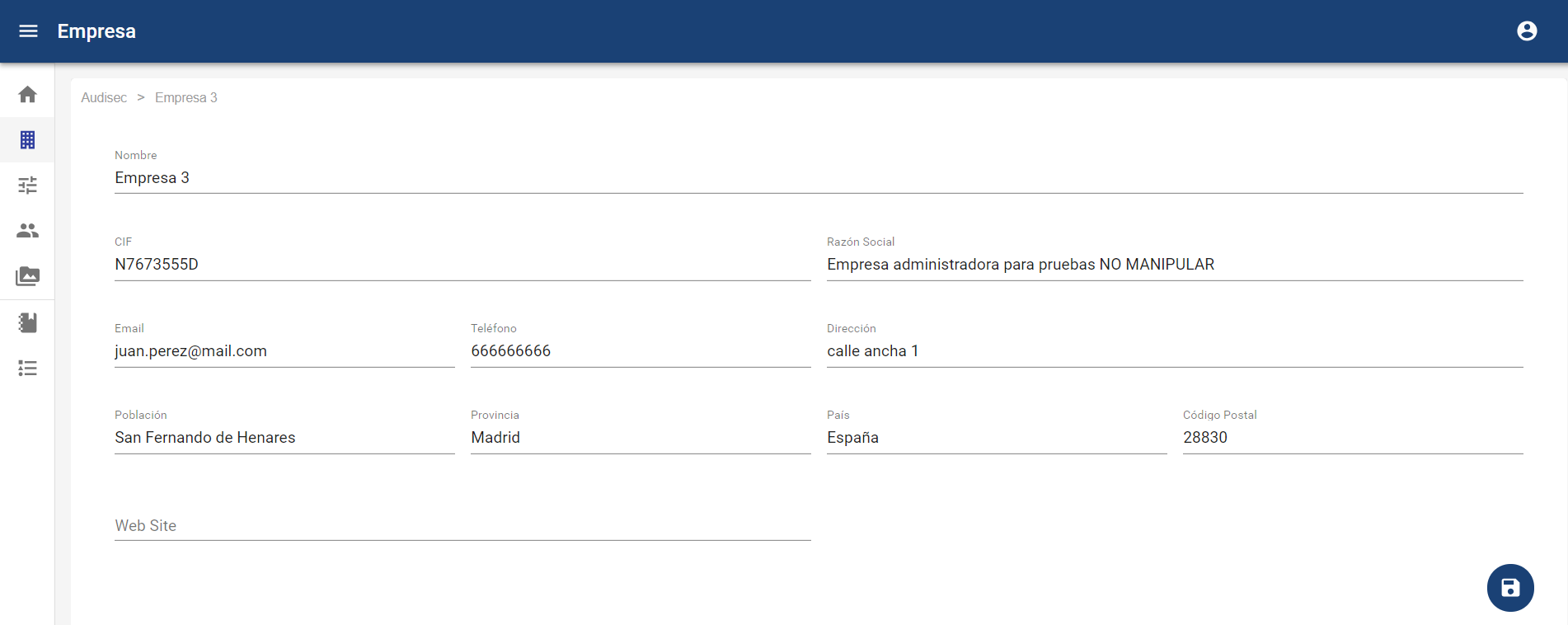
Consulting Company
They are communication channels, that is, final companies for communication management. Creating a new Consulting company will allow us to generate a new communication channel, manage it, and parameterize it. Once the new Consulting company is created, we will have a new access URL to send communications to this new channel. The URL will follow the pattern: https://DomainAddress/ companyname